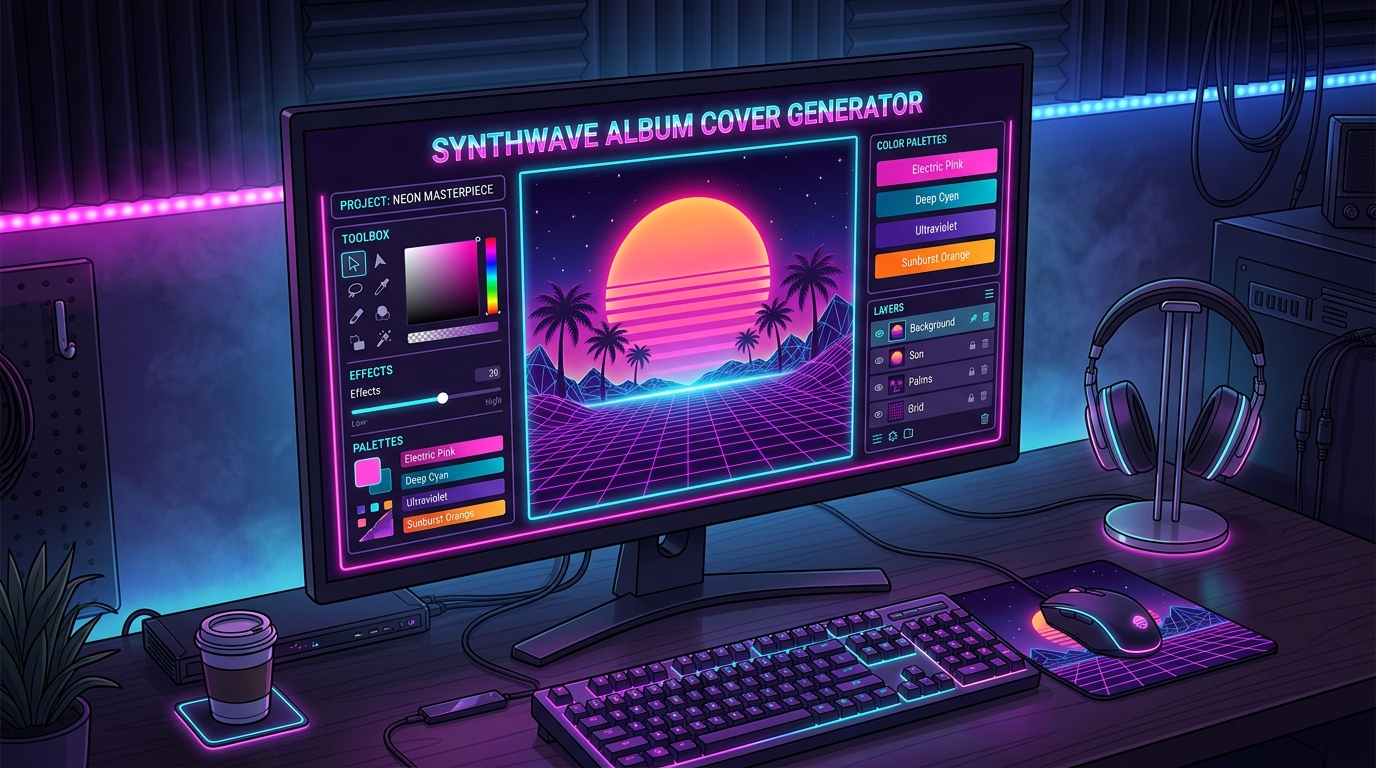
Ever feel like your music sounds like a high-speed chase through a neon-soaked metropolis, but your artwork looks like a sad PowerPoint slide? You need a synthwave album cover generator to finally match those fat basslines with the glorious aesthetic of 1984. Whether you’re aiming for a glowing Outrun sun or a grid that looks like a digital highway to the future, these tools do the heavy lifting for you. Stop settling for boring visuals when you could be bathing your listeners in a sea of hot pink and electric blue.
You don’t need a degree in graphic design or a time machine to capture that perfect retro-futuristic vibe. Modern AI tools let you toggle between gritty cyberpunk alleys and dreamy vaporwave sunsets with just a few clicks. It is all about embracing the chrome typography and palm tree silhouettes that make the internet’s favorite decade so iconic. Now you can spend less time wrestling with pixels and more time perfecting that killer keytar solo.
To get that perfect retro vibe, you need to start with the foundational elements that make the 1980s look so futuristic. A synthwave album cover generator focuses on the classic neon grid, which stretches out into an infinite digital horizon like a scene from an old school arcade game. You can usually customize these retro wireframe graphics to glow in hot pink or electric blue, giving your art that essential sense of depth and speed. Adding a giant, glowing Outrun sun with horizontal stripes is the next step to achieving peak aesthetic. This iconic sunset serves as the heartbeat of your design, instantly telling your fans that your music belongs in a high speed car chase through a digital desert.
Once your landscape is set, it is time to layer on the chrome typography and gritty textures that define the genre. Modern AI tools allow you to generate metallic 3D text that looks like it was plucked straight from a vintage VHS action movie. You can experiment with different levels of glitch or scanline effects to give your cover that fuzzy, nostalgic feeling of a worn out cassette tape. Many generators also let you drop in palm tree silhouettes or sleek sports cars to complete the look. These small details are what separate a generic design from a professional piece of art that looks ready for a Darksynth or Chillwave playlist.
The best part about using these specialized design tools is how they handle the complex lighting and color grading for you. You do not need to be a professional graphic designer to balance those harsh neon purples with deep, moody shadows. The AI understands the specific visual language of the scene, ensuring that your chrome reflections and lens flares look authentic rather than tacky. By toggling different aesthetic presets, you can shift the mood from a bright, tropical vaporwave dream to a dark, cyberpunk nightmare in just a few clicks. It is all about capturing that specific feeling of a future that never actually happened, but we all wish we lived in.
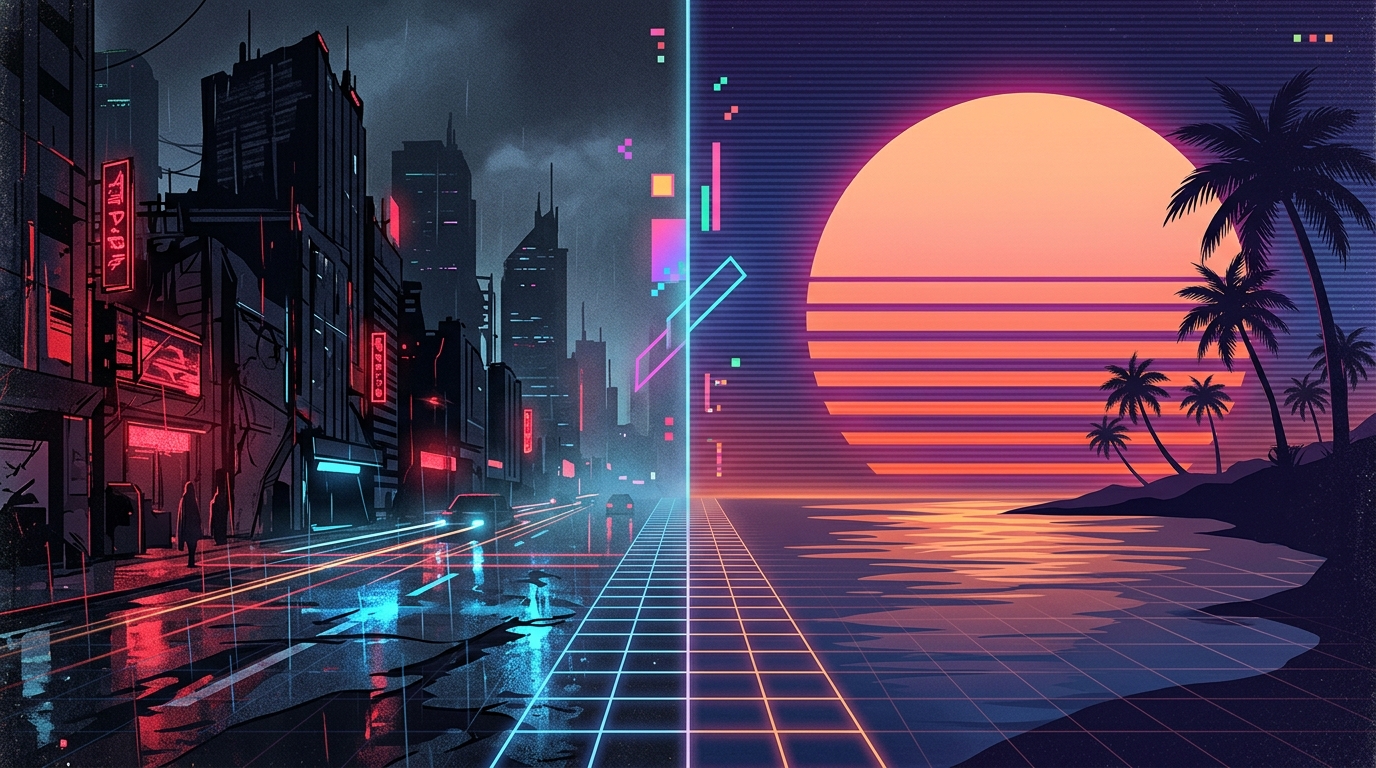
When you are dialing in your sound, you know that a high-speed chase through a rain-slicked cyberpunk city sounds nothing like a lazy afternoon sipping a neon soda by the pool. A synthwave album cover generator lets you flip the switch between these worlds instantly so your visuals actually match your beats. If your music feels like a glitchy soundtrack for a cyborg revolution, you will want to lean into the Darksynth presets. These settings swap out the friendly pinks for high-contrast greens and deep shadows, giving you that gritty, underground vibe without needing a degree in digital arts. It is all about capturing that “I definitely own a katana” energy with just a few clicks of your mouse.
On the flip side, sometimes you just want to lean back and watch a digital sun sink behind a pixelated ocean. Toggling over to the Chillwave or Outrun settings softens the edges and brings in those iconic hazy purples and warm oranges we all know and love. You can easily sprinkle in some palm tree silhouettes or a classic wireframe grid to nail that nostalgic beach vibe that feels like a lost VHS tape from 1984. These presets take the guesswork out of design, letting you focus on the music while the AI handles the heavy lifting of building a tropical paradise. It is the easiest way to make sure your fans feel the warm summer breeze before they even hit the play button.
You have finally cooked up the perfect neon masterpiece, but now you need to make sure it actually looks good on a giant retina display. Streaming giants like Spotify and Apple Music are pretty picky about their specs, demanding a crisp 3000 by 3000 pixel square to keep things looking professional. If you try to upload a tiny, blurry thumbnail, your epic chrome landscape will end up looking like a dusty VHS tape found in a basement. Using a high resolution export ensures that every glowing grid line and palm tree silhouette stays sharp enough to cut through the digital noise. You want your fans to see every detail of that glorious retro future you just built without any chunky pixelation getting in the way.
Getting your artwork industry ready is easier than trying to beat a high score at a crowded 1984 arcade. Most modern generators offer a simple toggle or upscale button that boosts your synthwave creation to that sweet 3000 pixel mark. This high quality format is the gold standard for digital distribution, making your brand look like a million bucks even if you made it in your pajamas. Remember to save your file as a high quality JPEG or PNG to preserve those vibrant pinks and deep purples. Once you have that massive file ready to go, you are officially cleared for takeoff into the digital stratosphere.
Think of your album cover as the flashy movie poster for your sonic universe, so do not let a low resolution export ruin the vibe. When your art hits the platform at full scale, it tells the world you are a serious creator who knows how to create your own way around a grid. It is all about that professional polish that separates the weekend warriors from the true darksynth legends. Your music deserves a visual identity that pops off the screen and grabs listeners by their neon windbreakers. Now that you have the pixels under control, you can focus on what really matters, which is making those synthesizers scream.
Now is the time to quit overthinking your aesthetic and finally embrace your inner digital artist. You do not need a degree in graphic design or a time machine to capture that sweet, sweet retro-futuristic perfection. With a synthwave album cover generator at your fingertips, you can summon glowing grids and retro futuristic fonts with just a few clicks. It is all about taking your music to the next level by matching your beats with visuals that look like a high-speed chase through a neon cityscape. Your tracks deserve a face that screams 1984, so do not be afraid to lean into the glorious cheese of the era.
Launching your latest project should feel like winning a boss battle in a classic arcade game. These tools make it easy to toggle between the moody vibes of darksynth or the breezy, tropical nostalgia of chillwave. You can finally stop using blurry photos of your cat and start using professional, high-resolution art that actually fits the scene. It is your world to build, filled with palm trees, wireframe mountains, and enough purple light to blind a cyborg. Grab your digital keyboard, fire up the generator, and let the world see the neon masterpiece you were always meant to create.
It is a high tech tool that turns your creative ideas into a neon soaked masterpiece without needing a fancy design degree. You just pick your favorite 80s vibes and let the AI build a digital world full of glowing grids and chrome dreams.
Not at even a little bit. These generators are built for musicians who would rather be shredding a keytar than wrestling with complicated pixels. If you can click a mouse, you can create a cover that looks like a vintage VHS tape found in a dusty attic.
You absolutely need a giant striped Outrun sun and a neon grid stretching into the digital horizon. Toss in some chrome typography and a few palm tree silhouettes to make sure everyone knows your music sounds like a high speed chase in 1984.
You have total control over the palette so you can drench your art in hot pink, electric blue, or gritty cyberpunk shadows. Whether you want a dreamy vaporwave sunset or a dark futuristic alley, you can toggle the settings until it feels just right.
Standard photos are great for boring PowerPoint slides, but your music deserves a retro futuristic vibe that screams aesthetic. AI tools do the heavy lifting by instantly generating those iconic textures and metallic 3D styles that define the synthwave genre.
Yes, because these tools focus on the grainy textures and scan lines that give your art that authentic retro feel. Your fans will swear they just pulled a shiny new cassette tape out of a time machine.