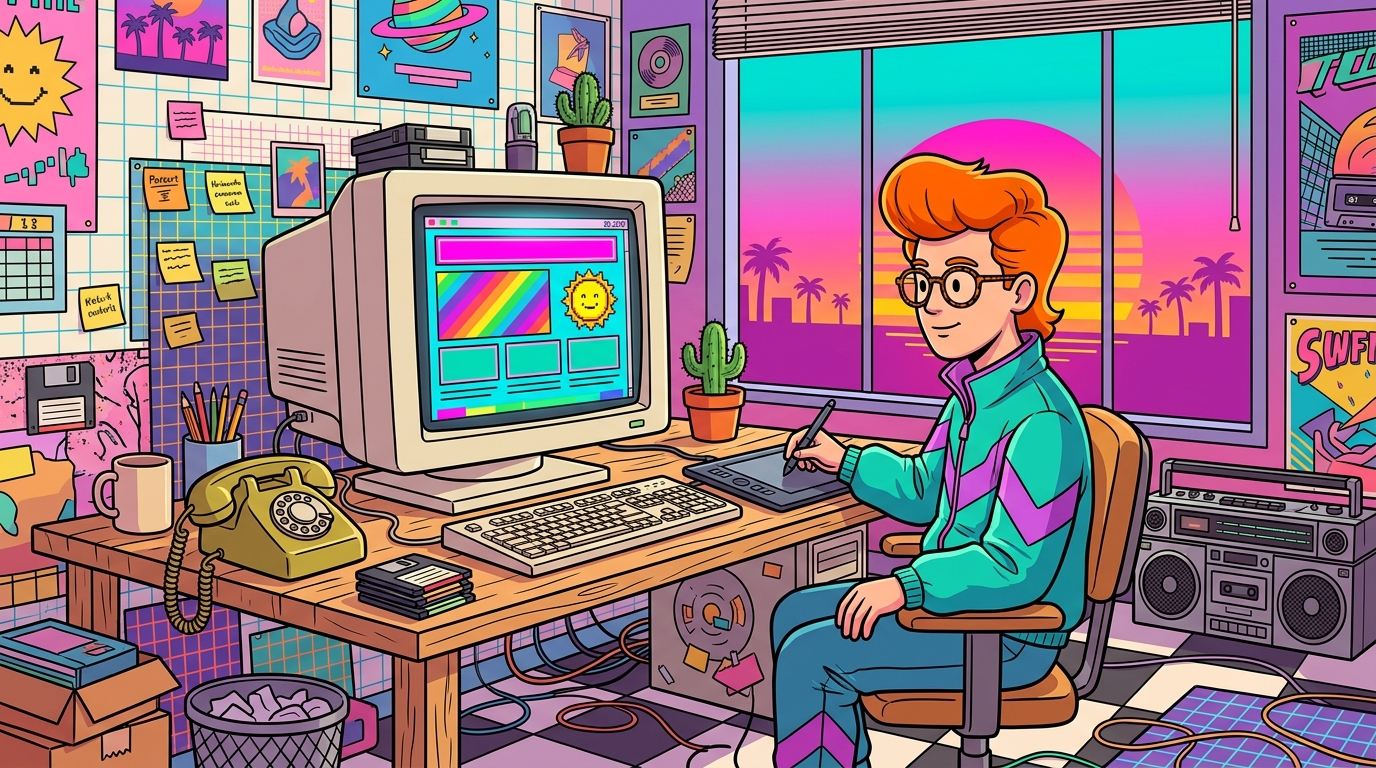
A retro website design agency is a studio that builds websites with a throwback look, borrowing vintage lettering, nostalgic color palettes, and familiar motifs from earlier design eras. Think neon grids, chunky pixel type, and sunset gradients, all running on a modern engine under the hood. Speed is the first check: the “good” bar is a Largest Contentful Paint within 2.5 seconds, and U.S. public-sector sites face WCAG 2.1 Level AA requirements. A good retro studio delivers that 80s glow without making your visitors wait like it’s dial-up.
Flashy style only counts if the site actually works. Google’s Core Web Vitals guidance sets a “good” Largest Contentful Paint at 2.5 seconds or less, and a responsive build keeps the party going on phones too. U.S. public-sector clients also need to meet WCAG 2.1 Level AA, so your VHS-tape aesthetic still needs readable contrast and clear buttons. Before you talk about pixel fonts or price, ask any retro website design agency how it handles those basics.
A retro website is a site that borrows the look of an earlier design era, like the 70s, 80s, or 90s, and runs on the same modern technology as any other site. Framer describes retro sites as ones that use vintage lettering, nostalgic palettes, and familiar motifs from past decades to create their personality.
The costume is where the fun happens. Vintage lettering might mean chunky pixel type or bubbly letters that look like they came off a cassette insert. Nostalgic palettes do the heavy lifting: 80s neon grids and sunset gradients in hot pink and electric teal, or 70s warm earth tones like burnt orange, mustard, and avocado green.
Then come the motifs. Chunky buttons look like they’re begging to be pressed, scanlines ripple across the screen like an old CRT, and pixel icons shaped like floppy disks or tiny spaceships keep the gamers happy.
Don’t forget the 90s. Web-ring style links, those little rows of “Previous, Random, Next” that once tied fan pages together, make a playful navigation nod that longtime internet wanderers will instantly recognize.
Mixing eras works too. Adobe’s 2025 Creative Trends Forecast named “Time Warp” as a trend that blends futuristic components with historical and vintage styles, including references to the 1920s and 1970s. A glowing synth header over a mellow, earthy footer is a perfectly good time machine.
Here’s the twist: the costume sits on top of modern plumbing. The site still has to load quickly, stretch neatly onto a phone, and work with screen readers. A scanline overlay that blurs your text isn’t a vibe, it’s a bug. Retro is a style choice, not a technology, so a retro site is built with the same tools as any other site.
When you browse a studio’s portfolio, check whether the neon still reads on a small screen, whether buttons stay clear with the scanlines switched on, and whether the page jumps around while it loads. A chunky button is fun until it shifts under a visitor’s thumb.
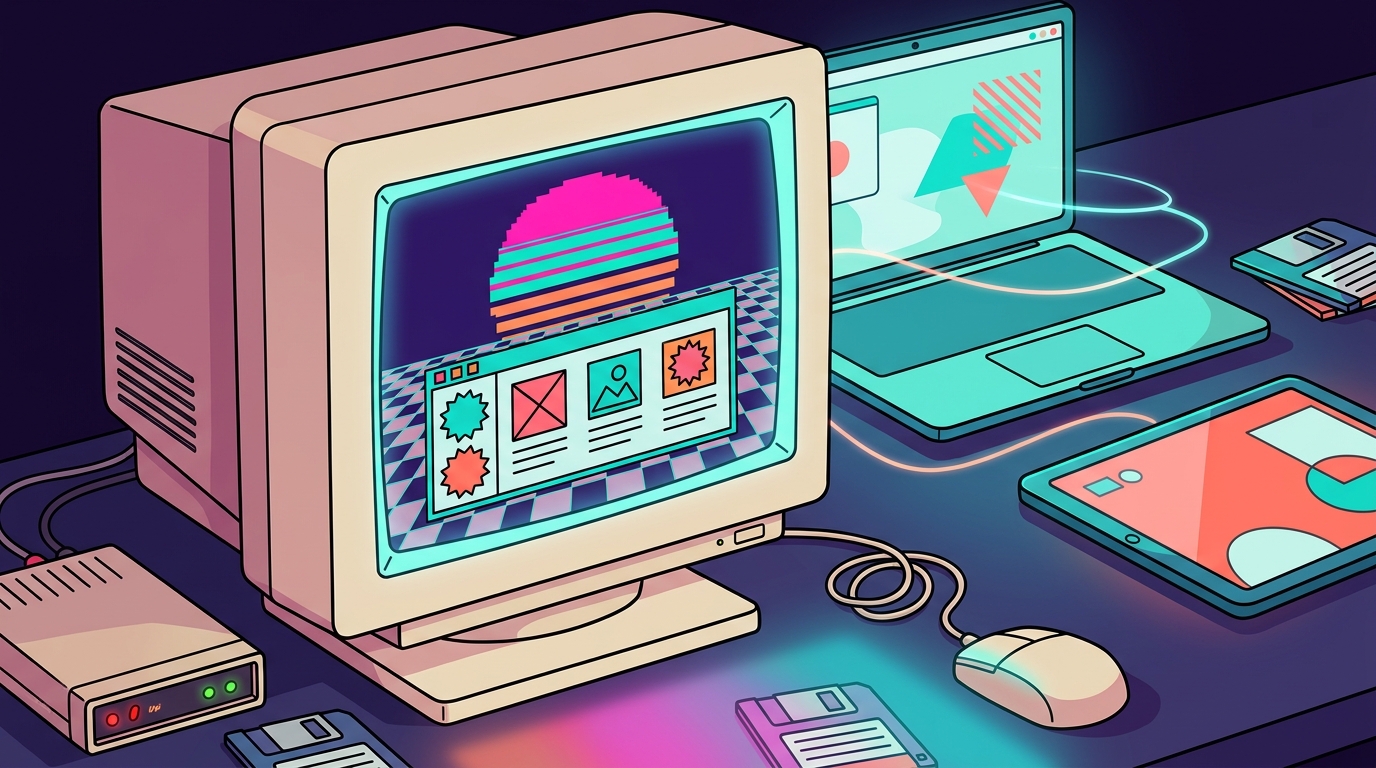
Nostalgia is having a moment because creative people keep digging through the past for ideas. In a 2025 survey of 335 U.S. creative professionals by Adobe Express, nostalgia and retro styles tied with minimalism as the most inspiring creative styles, with 25% of respondents picking each. Picture a room full of designers quietly agreeing that the 80s still slap.
The trend also shows up in what people ask AI image tools to make. Adobe’s January 2026 review of Firefly prompts found nostalgia among the three top trending emotional terms of 2025. Prompts for halftone, stippling, static, and grainy styles climbed too, which is basically the TV-snow, dot-matrix texture that gives retro sites their gritty charm.
So why does this stuff hit so hard? Nostalgia works like a secret handshake. One glance at a chunky pixel font and a neon grid tells a visitor they’re in on the joke, whether they grew up on arcade cabinets or only know them from memes.
Texture matters too. Most modern sites look like they were stamped out of the same template, so a little grain, static, or stippling makes a page feel handmade. It’s the web equivalent of a worn denim jacket hanging in a closet full of store-bought sweaters.
Just remember that a trend is more sugar rush than foundation. A style that feels fresh this year can look like a flip phone by the time your next redesign rolls around, so pay attention to how a studio plans for that.
Pick a retro era that fits your brand, and your visitors will get the joke before they finish the first scroll. Here is the menu, with four popular flavors and the kinds of brands that tend to order them.
Synthwave is the loudest item on the menu. Picture hot pink and electric cyan light bouncing off a grid that stretches toward a fake sunset, with chrome lettering that looks like it was polished on an arcade cabinet. Gamers and musicians will feel right at home, and everyone else will think they’ve wandered into a very good music video.
Retro-futurism is the cooler cousin. Think silver surfaces, rounded space-age shapes, and fonts that promise a bright tomorrow, the kind of optimism that once made people expect flying cars by lunchtime. It blends neatly into a Time Warp mix, so you can put a sleek sci-fi header above a mellow footer without anyone calling the time police.
Want the 90s? Go for beveled buttons that practically beg for a click, a visitor counter ticking away near the bottom of the page, tiled backgrounds, and pixel art that looks like it was saved to a floppy disk. Keep the chaos in check so every button still reads as a button.
The 70s option is the cozy sweater of the bunch. Burnt orange, mustard, and avocado green meet rounded serif type and sunburst graphics that fan out like a sunny afternoon at a record store. It suits cafés, record shops, and lifestyle brands that want visitors to feel handed a warm mug.
Choose the era that matches your audience, not just your favorite color. A gaming brand can borrow 70s warmth for its blog and keep the neon on the homepage, as long as the text stays readable on a phone. Test each palette for contrast before you commit, because hot pink text on black looks fabulous until someone squints at it on a bus.

Look for a studio that has built real retro sites, makes them work on every screen size, treats accessibility as part of the build, plans for life after launch, and puts everything in writing before any pixels move.
Start with the portfolio. A single mood board full of neon is a Pinterest page, not proof. Click through several finished projects and confirm the studio has shipped retro sites that are live on the web, with working menus, forms, and buttons. If all you get is a moodboard, ask for the address of a live site it built from one.
Next, ask how the design holds up on phones, tablets, and desktops. A good answer names specific checks, such as whether a neon header stacks cleanly on a narrow screen and whether the scanline overlay leaves text readable. “It’s mobile-friendly” is a vague answer, so ask for more detail.
Accessibility should come up in the first meeting, not on the final invoice. Ask how the team checks color contrast and keyboard navigation. The W3C’s WCAG 2.2 is the current guideline to ask about, and U.S. public-sector clients should also confirm the WCAG 2.1 Level AA target.
Then check how the studio handles life after launch. Sites need updates, broken links need fixing, and performance tends to drift. Ask:
Finally, insist on a written scope. It should list deliverables like page count, logo files, and any custom pixel icons, plus the number of revision rounds and a timeline with milestones. Verbal promises evaporate faster than a neon sign’s glow at dawn.
Response times are worth checking. A studio that aims to answer project inquiries within 1 to 2 business days gives you a useful yardstick: ask every studio how quickly it replies, then check whether the written proposal matches what you were told.
A retro website usually costs about as much as any custom website, because the vintage look is mostly styling layered on top of standard build work. DesignRush reports that U.S. web-design agency projects generally run from about $7,000 to more than $100,000, depending on site complexity, strategy, and custom development. These are general website estimates, not retro-specific rates.
For a rough sense of smaller projects, a 2025 survey of 208 web designers found that 56.75% reported average project prices between $2,500 and $9,999. The most common band was $2,500 to $4,999. The survey was self-reported and non-probability, so treat it as a rough snapshot, not a market average.
Typical website redesigns generally take about 6 to 14 weeks, and larger redesigns, multilingual sites, and custom-logic web apps can take 14 to 24 weeks. These general figures are not specific to retro projects, so use them as a starting point for your own timeline.
Page count is the first lever. A small site with a handful of neon pages is a quick job, while a sprawling catalog means more layouts, more content, and more testing on phones.
Custom illustrations and animations are the fun part, and they also eat hours. A library of stock pixel icons is far quicker to install than a set of hand-drawn sprites that a designer has to draw, animate, and tune frame by frame.
Custom development is where budgets really move. A retro look built on a ready-made template goes live faster than a bespoke build with custom forms, booking tools, or a mini arcade game embedded in the homepage.
Don’t forget the words. If the studio writes taglines, product descriptions, and retro-flavored button labels, that’s extra work someone has to pay for. Slow feedback can stall the schedule just as surely as a broken build.
Ask each studio to price page count, illustrations, custom development, and copywriting as separate lines. That way you can see which knob moves the total, and you can decide where your money is best spent.
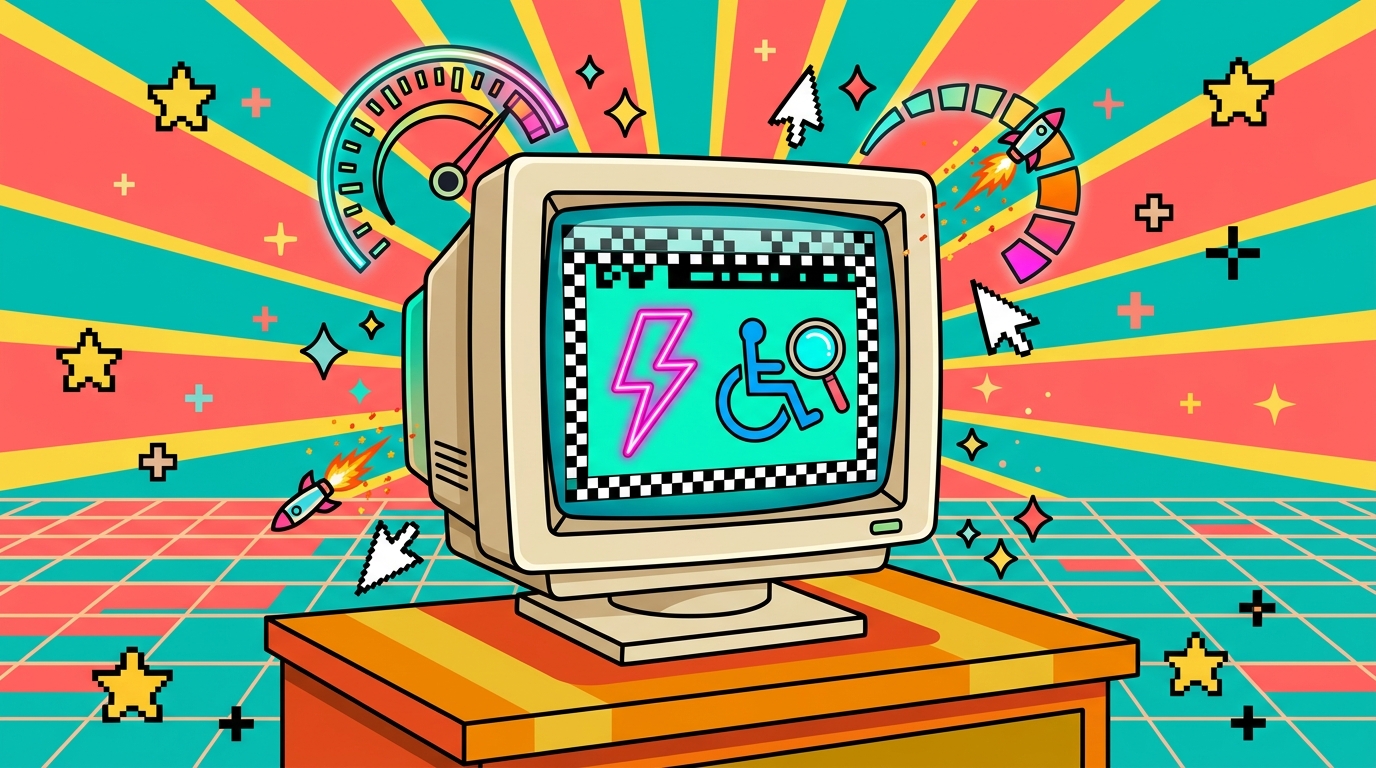
Yes, a retro site can be accessible and fast, as long as the neon and grain are treated as decoration layered on a sturdy build. The trick is knowing which rules and numbers matter, and which flashy effects quietly break them.
U.S. public-sector clients have the clearest deadlines. The Department of Justice’s 2026 interim final rule moved ADA Title II web-content deadlines to April 26, 2027, for state and local governments serving populations of 50,000 or more, and to April 26, 2028, for smaller public entities and special districts. The rule specifies WCAG 2.1 Level AA for covered public web content. The extension does not remove ongoing Title II obligations, so the extra time is a head start, not a holiday.
If you’re building something new, aim for WCAG 2.2. It keeps your site ready for what comes next, and it doesn’t replace 2.1, so you don’t have to give up the older target to reach for the newer one.
On speed, Google’s good targets are a Largest Contentful Paint within 2.5 seconds, an Interaction to Next Paint below 200 milliseconds, and a Cumulative Layout Shift below 0.1. In plain terms, Interaction to Next Paint measures how quickly your site responds to a click, and Cumulative Layout Shift measures how much the page jumps around while loading. A neon button that slides down the screen after a pixel font arrives is a layout shift wearing a costume.
Keeping the glow from hurting contrast and load times comes down to a few habits:
– Keep body text on a solid or nearly solid background. Scanlines and grain belong on decorative layers behind the words, not on top of them. – Run hot pink and cyan text through a contrast checker against its real background, and fix anything that fails WCAG 2.1 Level AA before launch. – Build grain and scanlines as small tiled images or lightweight CSS overlays, and serve pixel icons as SVG files so a giant full-page texture doesn’t slow the first paint. – Give flickering or scrolling neon animations an off switch, and respect visitors who have asked their device to reduce motion. – Skip heavy blur filters over large areas, since they make scrolling sluggish on older phones.
Picking a partner is the fun part, as long as you keep your head while the neon starts buzzing. Shopping for a studio is a lot like crate digging at a record store: the covers are all flashy, but only a few records actually play. Here’s how to find the one that does.
Start with a one-page brief today. Name your retro era, whether that’s synthwave neon, 90s beveled buttons, or 70s sunburst warmth, then list the three pages your visitors care about most. Add one line about who will be visiting, like “college gamers on phones” or “record shoppers on laptops.”
Next, grab your phone, switch on a slow connection, and open two or three live sites from a studio’s portfolio. Watch whether the neon header stays readable, whether the buttons are easy to tap, and whether anything jumps around while the page loads. If a studio can only show you a moodboard, cross it off.
Then email your brief to three to five studios with the same questions. Ask which contrast checker and keyboard tests they run, how fast they answer support requests after launch, and which maintenance costs extra. Ask them to price page count, custom illustrations, custom development, and copywriting as separate lines, so you can see where the money goes.
Keep the replies in one document and compare them line by line. The studio that answers plainly, points you to working retro sites, and puts milestones in writing is the one worth a call. Book that call, bring your brief, and let the neon do its job.