A digital music store lets you buy songs or albums and keep the files, like building your own neon-lit arcade cabinet instead of renting one by the hour. You get music for offline listening, DJ sets, high-resolution playback, or those glorious moments when Wi-Fi vanishes like a boss fight. If subscriptions feel like an endless loop of “press start to continue,” buying downloads puts you back in control.
Streaming may rule the charts, but download stores still have loyal fans: collectors, independent artists, retro romantics, and anyone who wants a real music library. You can skip the monthly bill, grab the tracks you love, and create a personal soundtrack worthy of an 80s montage. Basically, you get lasting access to your files, with fewer shoulder pads and no rewind button required.
A digital music store usually gives you three main ways to buy: one song, a full album, or a bundle of related releases. Individual tracks are handy when you want the hit without buying the whole arcade cabinet, while albums make sense for concept records and full synthwave adventures. Bundles can include an artist’s catalog, remix packs, or bonus tracks at a lower combined price. You may also find limited digital releases with rare mixes, anniversary editions, or timed drops that vanish faster than a neon sports car in an 80s montage. Check the file type and download rights included with each purchase, because “buy” should not feel like renting a power-up.
Before choosing a digital music store, compare the catalog and search for the artists you actually want to support. A huge library is useful, but strong coverage of independent musicians can lead you to excellent underground gems before the algorithm puts on its sunglasses. Regional availability matters too, because an album or limited release may be unavailable in your country or listed at a different price. Look for clear details about currency, taxes, download limits, and device compatibility. A few minutes of checking can save you from a boss battle at checkout.
Extras can turn a basic download into a proper collector’s item, especially if you enjoy album art, liner notes, lyrics, remix credits, or bonus videos. Some stores offer high-resolution audio, alternate versions, or digital booklets, which is a nice upgrade from staring at a lonely file name like “trackfinalreallyfinal2.” Compare the total price with the number of tracks and included bonuses, then decide whether a single song, album, bundle, or limited edition gives you the best value. If supporting artists matters to you, review how the store describes direct sales or artist payouts. The goal is simple: find a reliable purchase that sounds great, includes the extras you want, and lets you keep the music in your personal collection.
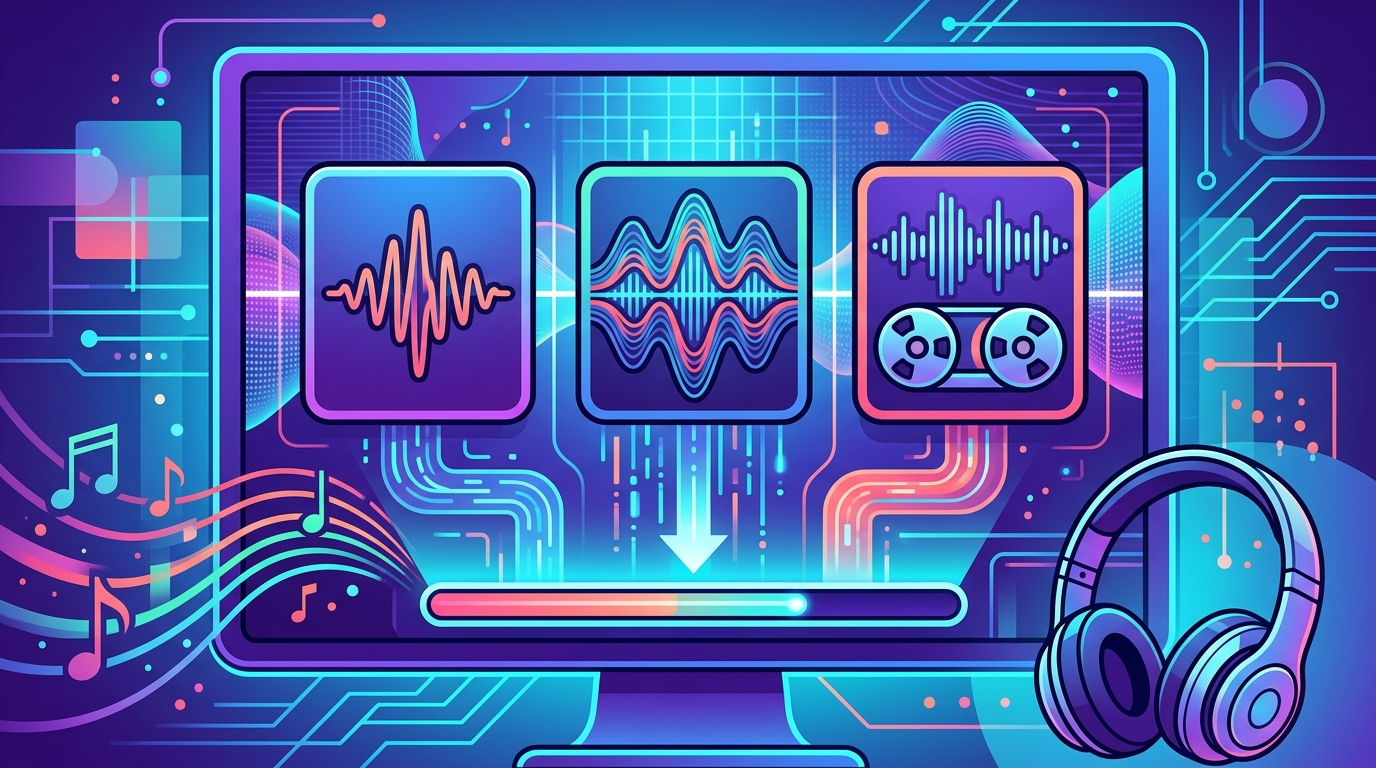
A digital music store lets you buy music as files you can keep, play offline, and load onto your favorite gear. MP3 is the practical choice for everyday listening because it uses smaller files and works smoothly on phones, music players, cars, and most apps. The audio is compressed, which saves storage, but some detail gets trimmed along the way, like a VHS tape losing one more copy of a copy. Choose MP3 when you want your synthwave ready for commutes, workouts, or an 80s-style laser battle in the kitchen. It is affordable, portable, and unlikely to make your phone beg for more storage.
FLAC keeps the full recording quality while taking up less space than an uncompressed WAV file, making it a strong pick for careful listeners and home audio systems. WAV files preserve the audio without compression and are widely useful for DJ setups, editing, remixing, and other studio work. Both formats can sound richer and more detailed than MP3, especially through good headphones, speakers, or a gloriously overpowered neon-lit sound system. The tradeoff is file size, so check your device before downloading a collection large enough to need its own arcade cabinet. If sound quality is your main quest, FLAC offers a great balance, while WAV is the heavyweight champion for production and performance.
Before you purchase a download, check which formats your phone, player, DJ software, or home system supports. Pick MP3 for easy everyday playback, FLAC for high-quality listening with manageable file sizes, and WAV when you need maximum flexibility for mixing or editing. A good digital music store makes these choices clear, so you can grab the right version instead of discovering a compatibility boss fight after checkout. Once downloaded, your tracks are yours to organize, back up, and play without a subscription countdown hanging over your head. Choose your file, turn up the neon, and let that synthwave sound gloriously expensive.
Start by searching the artist’s name, album title, or exact track in the digital music store. Check the cover art and release details before clicking Buy. Open the track page to review the artist, album, version, length, and preview, because “radio edit” and “extended neon dance mix” are not always the same song. Review the price for an individual track, album, or bundle, and watch for taxes or extra fees at checkout. If you are hunting for high-resolution audio, confirm the file type and quality, such as MP3, AAC, FLAC, or WAV, before your wallet enters turbo mode.
A secure checkout should show a familiar padlock in your browser and use a trusted payment method with fraud protection. Check the final order summary carefully, including the currency, total cost, and whether the purchase gives you permanent downloads or only limited access. Use a strong, unique password for your account, turn on two-step sign-in if available, and avoid entering payment details on public Wi-Fi that feels like it was summoned by a haunted arcade cabinet. Never download a file or payment form from a pop-up that looks like it was designed by a rogue modem.
After purchase, review the store’s download limits, device rules, and re-download policy before you start collecting albums like digital trading cards. Download your files promptly, save a backup copy to an external drive or secure cloud folder, and keep your receipt in case the pixel gremlins strike. Check that each file opens and matches the format you selected before closing the order page. If a listing has strange spelling, missing artist information, wildly low prices, broken previews, or pressure to pay outside the store, skip it and find a more trustworthy listing.
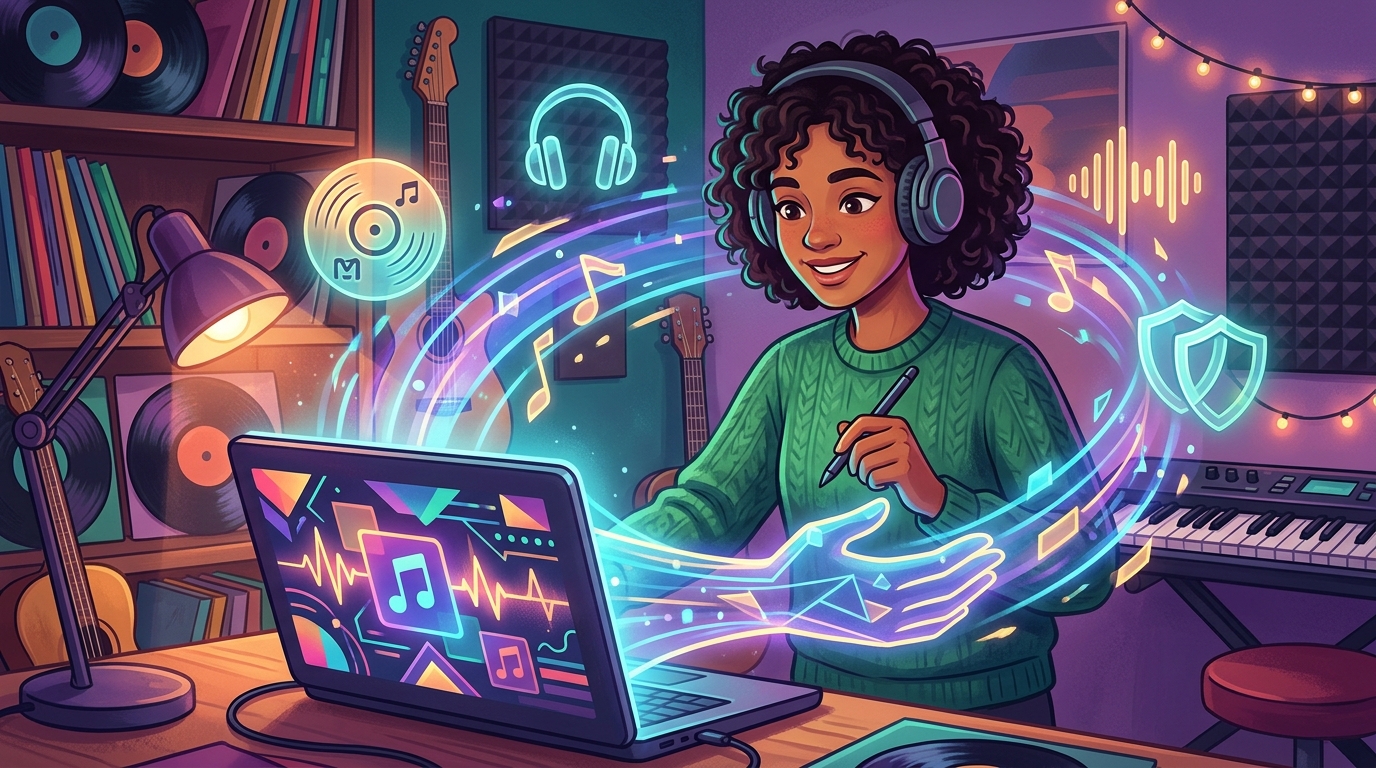
When you buy music from a digital music store, your money can reach an independent artist more directly than a passive stream ever could. You get a real download to keep, while the musician gets a clearer signal that their work is worth supporting. It is a little like dropping a gold coin into an arcade machine, except the prize is a killer track instead of three blinking lives. Choose singles, albums, or high-quality files that match your neon night-drive mood and help keep fresh music alive.
A digital music store can also open the door to music licensing for your own projects. If you create videos, podcasts, livestreams, games, or business content, you may be able to purchase permission to use a track instead of risking a copyright takedown boss battle. Check the license terms before you download, because personal listening rights usually do not cover commercial use, public broadcasts, or in-game soundtracks. The right license lets you use the music legally while giving the artist another useful source of income.
Creators and businesses should look for clear details about where, how long, and in what format a song may be used. You might need separate permission for a video intro, a game menu, a product ad, or a retro office montage starring your cat. Save your receipt and license information, then follow any credit requirements so the artist gets proper recognition. With a direct purchase and the right usage rights, you support the musician and keep your project from entering an unexpected copyright final level.
Choosing a digital music store starts with one question: do you want to own your music or simply access it while your subscription is active? Look for downloadable files with clear ownership terms, DRM-free options when possible, and formats that match your setup, from standard MP3s to high-resolution audio. Check the artist selection too, because the perfect neon playlist is useless if your favorite underground synth wizard is missing. Compare album and track prices, watch for bundle deals, and make sure the store explains refunds, downloads, and offline playback in plain English.
Your licensing needs matter just as much as your taste in robot vocals and glowing grid scenes. Personal listening usually calls for a straightforward purchase, while games, films, videos, podcasts, and business projects may require separate commercial rights, so read the license before you press the big red Buy button. If you need music cleared for a creative project, explore professional music licensing services for creators and filmmakers to find an option that fits your needs. Streaming may be the final boss of music revenue, but downloadable purchases still let you build a personal library with serious retro power.