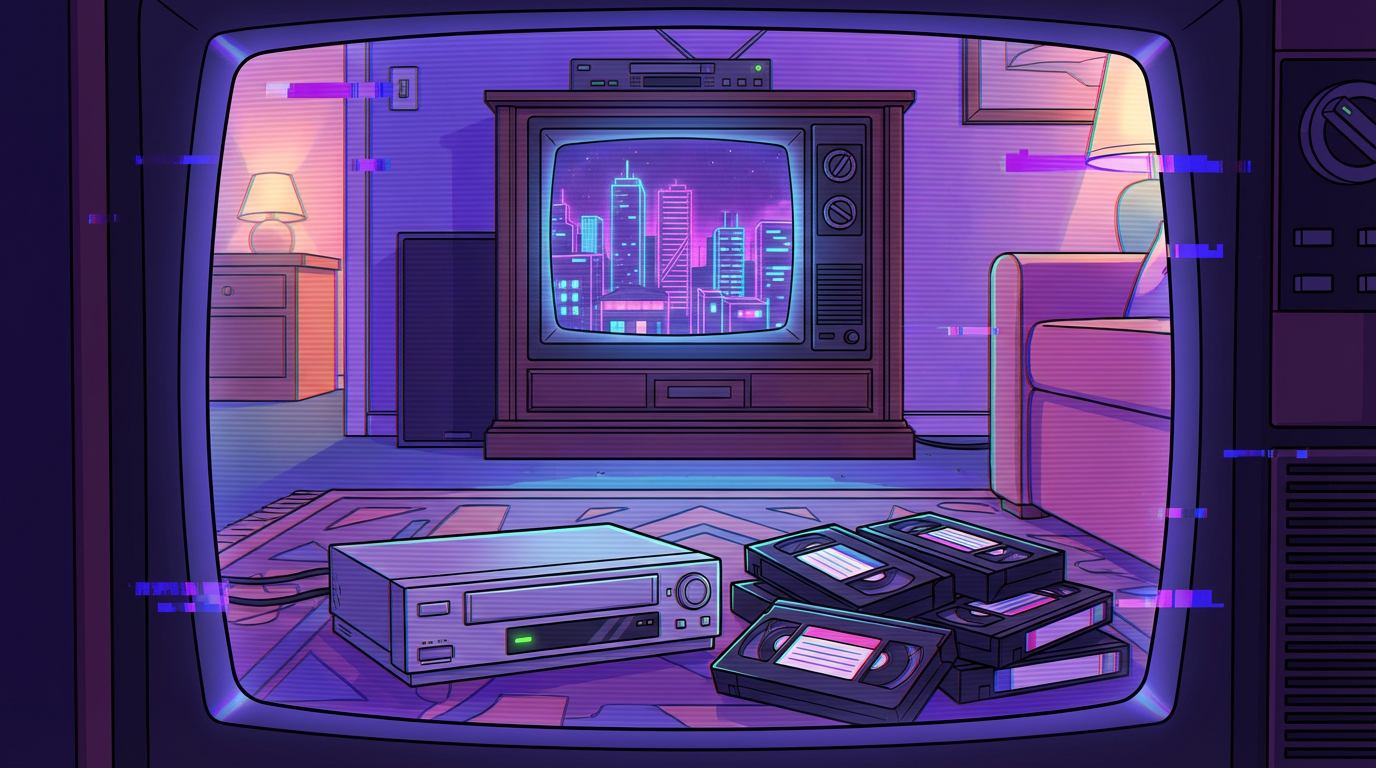
Remember when your biggest problem was a VCR eating your favorite tape or the tracking being so bad you couldn’t see the movie? You can now bring back that glorious, fuzzy chaos without the fear of a ruined cassette by using a vhs overlay effect. It’s the ultimate cheat code for turning your crisp, boring 4K footage into a neon-soaked masterpiece straight out of a 1980s workout video. Whether you’re chasing that synthwave aesthetic or just want your social media to look like a haunted basement tape, these filters add the perfect layer of beautiful garbage to your work.
Forget about high-definition perfection; we’re here for the static noise, the glitchy color shifts, and those iconic PLAY icons that scream retro cool. You want your audience to feel like they just stepped into a pixelated time machine fueled by hairspray and synthesizer solos. Adding these imperfections gives your content a soul and a texture that clean digital files just can’t replicate. It’s time to embrace the grain and let those tracking errors turn your modern clips into a lo-fi dream.
To nail that authentic retro vibe, you first need to embrace the beautiful mess known as static noise. Think of this as the digital dust that coats your footage, giving it that cozy, low-fidelity warmth your parents definitely don’t miss. You want just enough fuzzy grain to make your high-definition video look like it was recorded over a wedding tape from 1992. It is all about hiding those crisp pixels behind a veil of analog mystery. Throw in some subtle color bleeding and you have the perfect base for your vintage masterpiece.
Next up, you have to master the art of the tracking line, which is basically the visual equivalent of a skipping record. These horizontal flickers and distorted ripples suggest your VCR is fighting for its life to read the magnetic tape. You can even add some glitchy frame jumps to make it look like the player is about to eat your favorite movie. It adds a layer of tension and grit that modern cameras just can’t replicate on their own. This intentional imperfection is exactly what gives your content that sought-after found footage energy.
Finally, no VHS look is truly complete without those iconic on-screen display elements. You should slap a bright green PLAY icon in the corner or a glowing red REC circle to instantly transport your viewers back to the era of neon windbreakers. Adding a chunky white timecode or a flickering date stamp from thirty years ago seals the deal for that ultimate nostalgia trip. These little details act as the cherry on top of your synthwave-inspired sundae. Now your video looks like a legendary relic discovered in a dusty attic box.
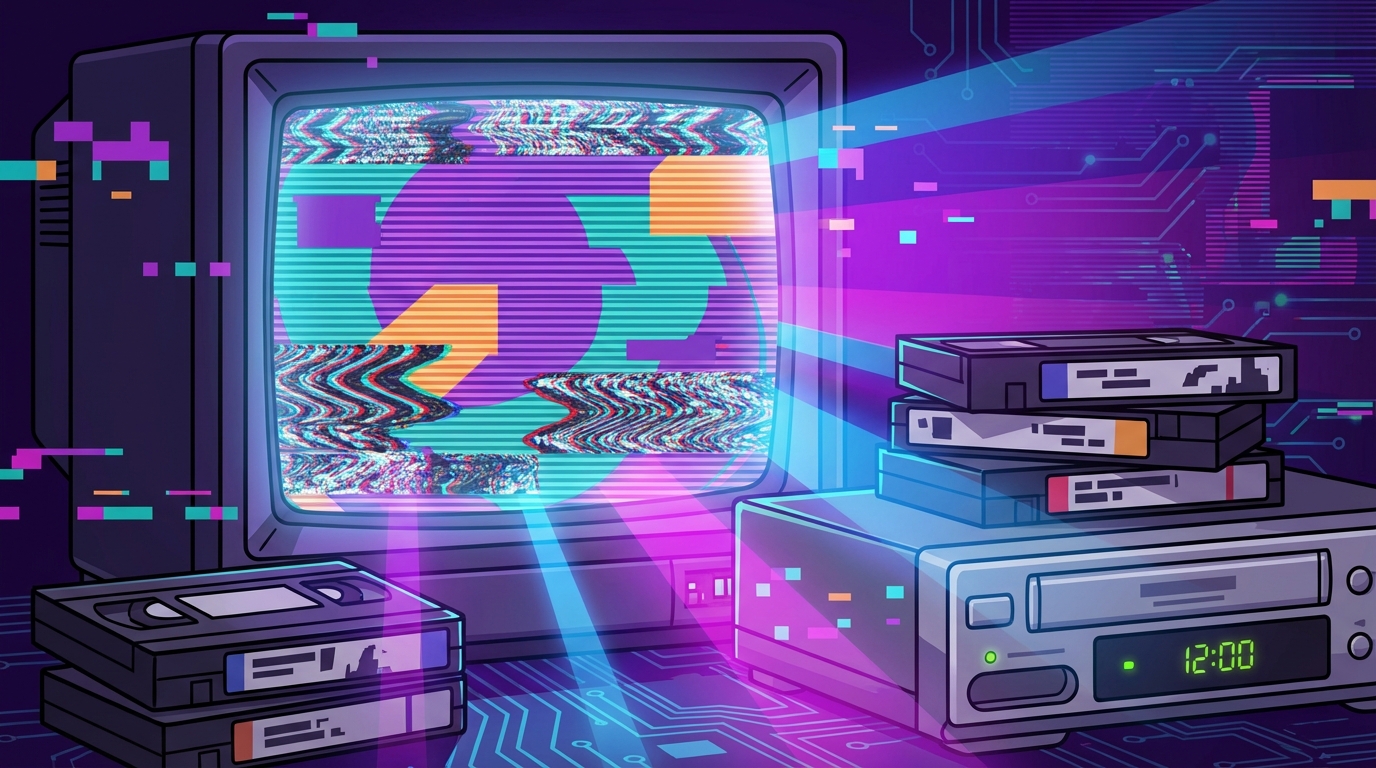
To really nail that broken VCR aesthetic, you need to go beyond a simple filter and start stacking your glitch layers like a late night nachos platter. Start by dialing up the chromatic aberration to make your colors bleed and jitter as if the magnetic tape inside your machine is literally melting. You want the reds and blues to separate just enough to give your viewers a slight case of motion sickness. This color fringing creates that classic 3D glasses vibe that defined the neon soaked dreams of the eighties. By layering these shifts, you turn a boring digital shot into a masterpiece of analog decay.
Once your colors are sufficiently messy, it is time to introduce some wobbly wave warps to simulate a tape that has been played a thousand times. These horizontal distortions make your footage look like it is struggling to survive a faulty tracking head. You can adjust the frequency of these ripples to make the screen pulse and throb in sync with your favorite synthwave track. It is all about capturing that glorious moment when the tracking goes haywire and the image starts to melt down the screen. This mechanical instability adds an extra layer of grit that clean digital video simply cannot replicate.
The final touch for total immersion involves adding random bursts of static and frame jumps that make your video feel truly haunted. You want those sudden pixel blocks and horizontal lines to pop up exactly when the action gets intense. These glitches act like the seasoning on your retro steak, providing the texture that makes the viewer feel like they just found a dusty cassette in a basement. Do not be afraid to get a little aggressive with the noise because perfection is the enemy of the VHS aesthetic. Your goal is to make the footage look like it survived a trip through a leaky ceiling and a broken VCR.
Back in the day, your favorite cartoons and home movies lived in a chunky square box rather than a sprawling widescreen display. Embracing the 4:3 aspect ratio is the first step to tricking your audience into thinking they just found a dusty tape in their basement. Modern high definition footage is often too crisp and wide for that cozy retro vibe you are chasing. By shrinking your frame, you instantly create that cramped, nostalgic feeling of watching a tube television on a Saturday morning. It provides the perfect canvas for those fuzzy tape borders and flickering tracking errors, scan lines to do their magic.
You might feel a bit weird cutting off the edges of your beautiful 4K footage, but trust the process for that ultimate lo-fi charm. This boxy look is a total power move for synthwave fans and anyone obsessed with the neon aesthetic of the eighties. It forces the viewer to focus on the center of the action, just like we did before screens took over entire walls. Adding a classic PLAY or REC icon in the corner completes the transformation from digital file to analog treasure. Your video will look like it survived a decade of being shoved into a VCR, which is exactly the point.
The magic happens when those black bars on the sides become a frame for glitches and color bleeds. You can let your inner meme lord run wild by adding intentional tracking errors that jitter across the square frame. This specific shape is also a secret weapon for social media since it stands out against the sea of standard vertical or widescreen clips. It feels intentional, artistic, and just a little bit chaotic in the best way possible. Once you go square, you will realize that being boxed in is actually the most creative way to stand out.
You do not need a time machine to capture that dreamy, neon-soaked aesthetic from your favorite retro cartoons. By dropping a VHS overlay onto your ultra-crisp footage, you instantly kill that boring high-definition look and replace it with pure analog soul. These filters add those classic scan lines and fuzzy static that make your video feel like a lost treasure found in a dusty attic. It is the quickest way to turn a standard gaming clip into a moody masterpiece that feels right at home in a chillwave playlist. You can almost smell the old plastic and magnetic tape as the colors start to bleed and shift across the screen.
Adding a bit of glorious grit is all about embracing the imperfections that used to drive our parents crazy. You can layer on some shaky tracking errors or a bright red recording icon to give your project that authentic VCR energy. These glitches and pops create a sense of warmth that digital cameras just cannot replicate on their own. Whether you are aiming for a spooky lo-fi vibe or a vibrant 90s anime aesthetic, the right amount of grain makes everything look cooler. Just imagine your latest montage flickering with the same beautiful mess that defined the golden age of Saturday morning television.
The beauty of the analog look lies in its ability to turn any simple shot into a nostalgic trip down memory lane. You can experiment with different levels of noise and color distortion to find the perfect balance for your specific style. Some creators prefer a subtle layer of dust, while others want a full-blown glitch fest that looks like the tape is being eaten by the machine. There are no strict rules when you are painting with neon light and magnetic interference. Once you start layering these effects, you will realize that a little bit of fuzz goes a long way in making your content stand out.
Mastering the VHS overlay effect is like finding a hidden cheat code for instant retro cool. You have learned how to turn your crisp, boring 4K footage into a glorious mess of neon static and tracking errors. By layering on those wobbly lines and color bleeds, you are basically time-traveling back to an era of Saturday morning cartoons and clunky plastic tapes. It is all about embracing the beautiful imperfections that make analog media feel so much more alive than digital pixels. Your videos will now have that cozy, fuzzy warmth that only a virtual VCR can provide.
Adding those iconic PLAY icons and timecodes is the secret sauce for your synthwave aesthetic. You can practically hear the synth bass kicking in once those glitchy artifacts start dancing across the screen. Whether you are making a lo-fi hip hop mix or just want your cat videos to look like a lost 1988 home movie, these overlays do the heavy lifting for you. It is the easiest way to give your content a soul without actually having to blow dust out of an old gaming console. If you are serious about crafting riveting synthwave visuals, then mastering these layers is the first step. Now go forth and splash some radical 80s magic onto everything you create.
It is a digital layer you slap onto your boring 4K footage to make it look like a fuzzy masterpiece from 1985. You get all the cool glitches and static noise, color shifts without actually having to find a dusty VCR in your basement.
High definition is overrated and lacks soul. Adding these imperfections gives your clips a lo-fi texture and a nostalgic vibe that makes people feel like they are watching a haunted tape from a neon-soaked dream.
Tracking lines are those beautiful horizontal flickers that make it look like your VCR is struggling to breathe. They add a layer of authentic chaos that tells your audience you are fully committed to the retro aesthetic.
You absolutely should if you want to stand out from the sea of perfect digital filters. It is the ultimate cheat code for giving your TikToks or Reels a synthwave aesthetic that screams retro cool.
Not at all, because these overlays are designed to be a simple drag and drop solution. You just place the effect over your video and suddenly you have a pixelated time machine fueled by hairspray and synthesizers.
The secret sauce is a mix of static noise, color bleeding, and those iconic white PLAY icons in the corner. When you combine these with some glitchy frame jumps, you create a vintage vibe that feels like a genuine 1990s wedding tape.