Ever feel like you were born in the wrong decade, or at least the wrong color palette? If your soul craves the glow of a neon sunset and the hum of a cassette tape, this synthwave art tutorial is your ticket to a world where it is forever 1984. You do not need a time-traveling sports car or a degree in rocket science to create something that looks like it belongs on a dusty VHS cover.
We are talking about those iconic wireframe grids that stretch into infinity and low-poly mountains that make your inner gamer weep with joy. Grab your favorite pair of aviators and get ready to drench your canvas in enough hot pink and electric cyan to blind a cyborg. It is all about capturing that retro-futurist vibe where the vibes are immaculate and the resolution is gloriously questionable.
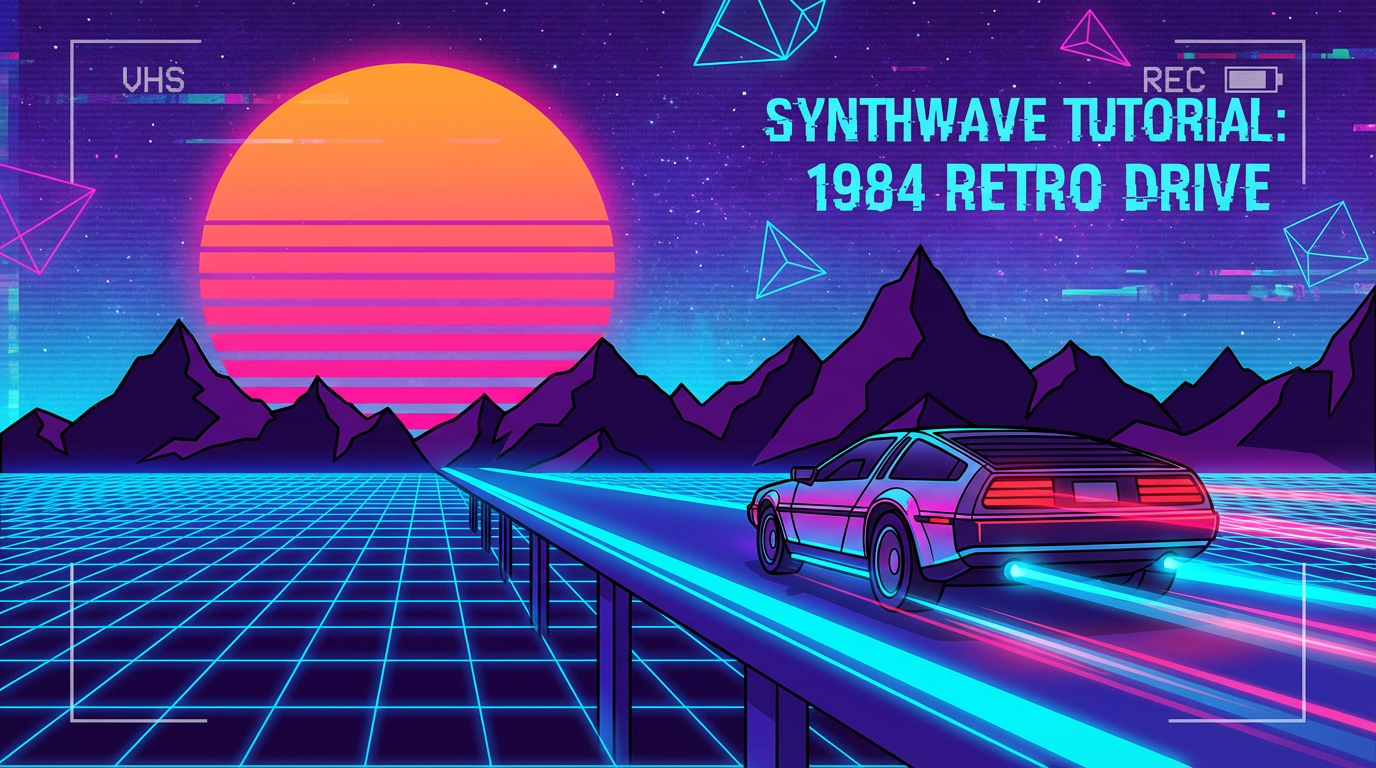
To build the foundation of your digital dreamworld, start with the legendary infinite perspective grid that screams 1984. You do not need a degree in advanced calculus or a time machine to get those perspective lines looking sharp. Begin by drawing a series of vertical lines that fan out from a single vanishing point in the center of your canvas to create that classic warping effect. This trick convinces your brain that you are staring down a never-ending highway in a high-speed arcade racing chase. Once your vertical lines are set, layer in horizontal lines that get closer together as they approach the horizon to finish the illusion.
Choosing the right color is the secret sauce that makes your wireframe pop against the dark void of cyberspace. Grab a vibrant cyan or an electric blue stroke to give your floor that iconic neon glow. You want the lines to look like they are humming with pure electronic energy, so do not be afraid to add a slight outer glow or blur effect. This creates a grounded surface for your low-poly mountains and giant suns, making your art feel like a playable level from a forgotten cartridge game.
The beauty of this method is that it focuses on vibes rather than boring technical measurements. You are essentially painting a digital playground where physics do not matter and the aesthetic is king. By keeping your grid simple and your colors loud, you create a perfect landing pad for all the chrome textures and purple gradients you will add later. It is an easy way to empower your inner artist and start building a retro universe from scratch without getting bogged down in complicated software settings. Your viewers will feel like they are cruising through a synthwave music video in no time.
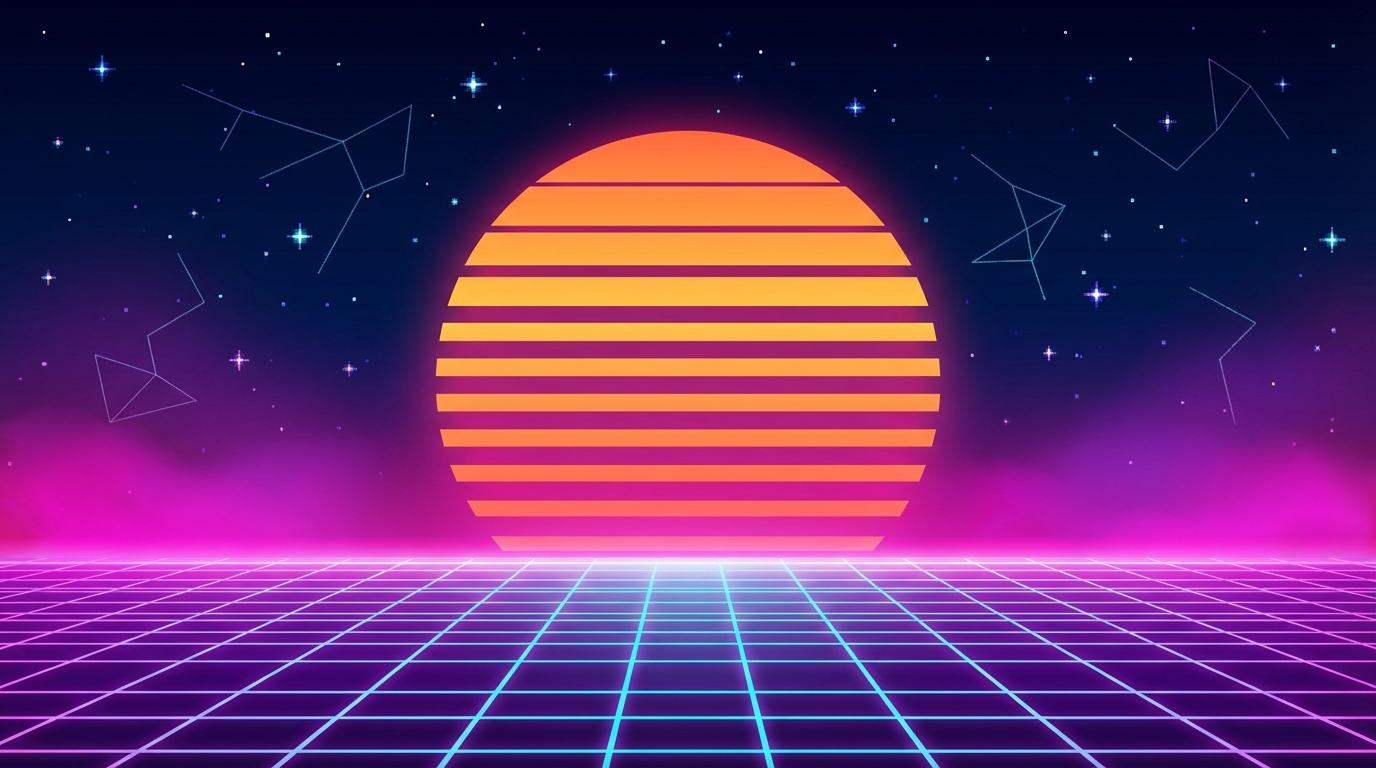
The giant segmented sun is the undisputed heavyweight champion of the synthwave world, acting as the glowing heart of every retro-futurist masterpiece. You do not need a degree in digital engineering to build this icon, just a love for that sweet 1980s nostalgia and a steady hand with your gradient tool. To get started, layer a juicy hot pink into a bright, electrical yellow to mimic that hazy summer evening on a digital beach. This color combo creates a vibrant glow that looks like it was ripped straight from a vintage arcade cabinet. Once your circle is looking deliciously neon, it is time to add the signature horizontal slices that give it that classic retro scanline effect.
Creating those iconic gaps is surprisingly easy and satisfying once you get the rhythm down. You can use simple rectangular selection tools to delete thin strips from the bottom of your sun, making the slices wider as you move toward the base. This technique creates a sense of perspective and depth, making it look like your sun is sinking into a pixelated ocean or a wireframe grid. Do not worry about being perfectly mathematical, because a little bit of DIY charm only adds to the aesthetic. By the time you finish, your graphic will have that fuzzy, lo-fi energy that makes people want to put on aviators and drive a fast car into a neon sunset.
To build a horizon that would make a time-traveling cyborg weep with joy, start with some jagged, low-poly mountains. Instead of worrying about hyper-realistic textures, think back to the glorious days of early arcade cabinets where triangles were king. Use your pen tool to click out sharp, irregular peaks, filling them with deep purples and dark indies to create that iconic silhouette look. By keeping the geometry simple and chunky, you mimic the limited processing power of a high-end 1984 workstation. Do not be afraid to let those edges stay crisp, because in the digital frontier, being smooth is overrated.
Once your peaks are standing tall, it is time to drop in those legendary black silhouette palm trees that scream retro style. These are not your average tropical plants, as they should look like they were plucked straight from a grainy VHS tape intro. Keep the trunks slightly curved and the fronds jagged to maintain that retro-futurist vibe against your neon sky. You can duplicate them along your digital coastline, varying the size to create a sense of depth that draws the viewer into the screen. These silhouettes provide the perfect contrast to your glowing grid, grounding your neon-soaked daydream in pure 80s style.
The secret sauce to this look is resisting the urge to overcomplicate your shapes or add too much detail. Synthwave art is all about the vibe and the mood rather than complex anatomy or realistic lighting. Stick to basic polygons and bold outlines to ensure your landscape feels like a playable level in a lost retro racing game. When you step back and look at your jagged mountains paired with those leaning palms, you will have a horizon that feels both nostalgic and totally futuristic. This simple approach empowers you to build an entire digital world from scratch without needing a degree in computer engineering.
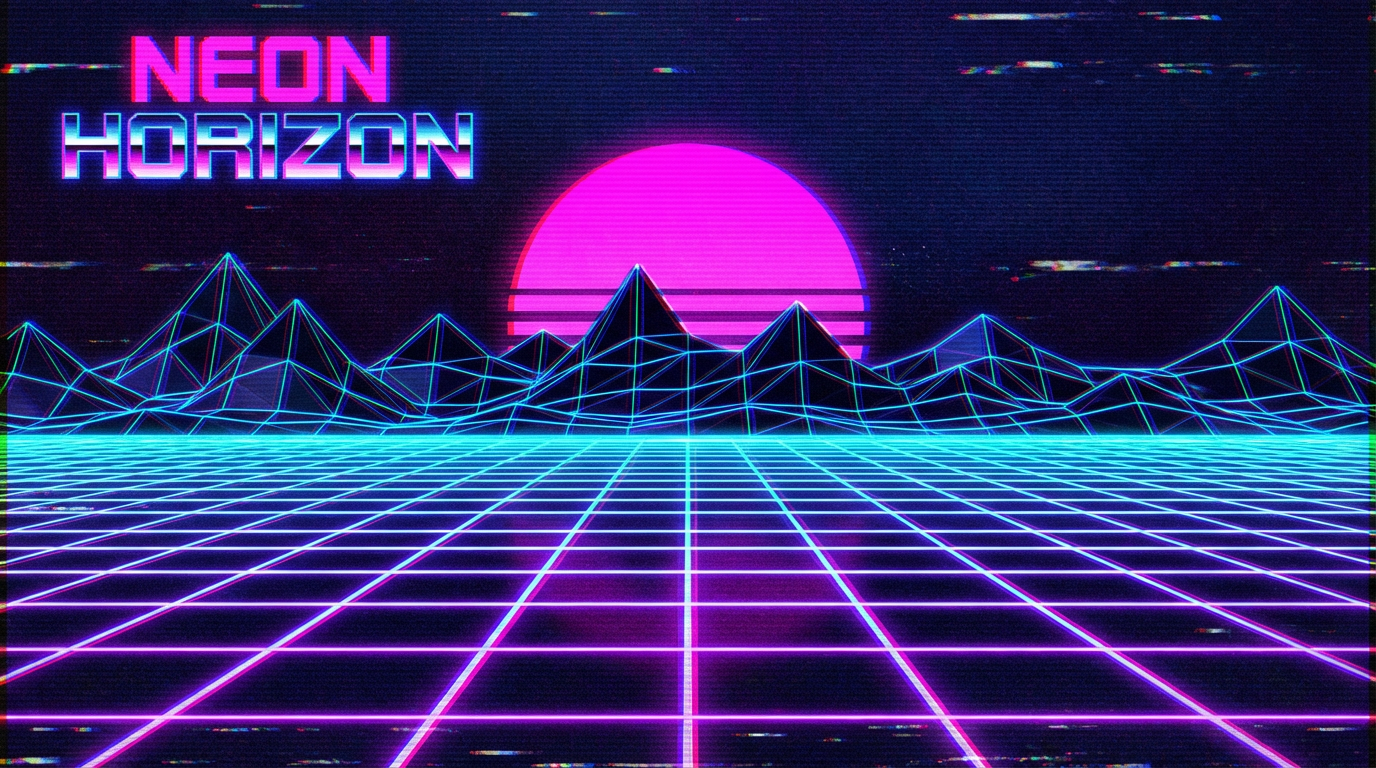
Once you have your neon grid and cyber-sunset looking perfect, it is time to ruin that pristine digital quality in the best way possible. Clean lines are great for modern apps, but synthwave is all about that dusty, found-on-a-shelf energy. You want your art to look like a bootleg copy of a sci-fi movie that has been played a thousand times in a wood-paneled basement. By layering on some subtle film grain and those iconic horizontal VCR tracking lines, you instantly give your work a soul. It transforms your graphic from a simple drawing into a nostalgic relic that feels like it actually lived through the eighties.
To get those trippy color-bleeding edges, play around with chromatic aberration by slightly offsetting your red and blue color channels. This creates a beautiful, fuzzy blur that mimics the way old tube televisions struggled to keep colors in the lines. It might feel weird to intentionally make your art look a little broken, but that is where the retro magic happens. Think of it as adding a VHS overlay effect that makes your neon pinks and cyans really pop against the dark background. Just a few tweaks will turn your sharp masterpiece into a glowing, vibrating vision straight out of an old-school arcade.
You have officially leveled up from a casual observer to a digital wizard of the grid, capable of summoning neon suns and wireframe horizons with a few clicks. Instead of just using pre-made palettes or generators, you now possess the power to build these retro-futuristic landscapes from the ground up. You can practically feel the scanlines humming as you master the art of low-poly mountains and glowing perspective lines. It is an incredible feeling to move beyond simple templates and start crafting riveting synthwave visuals from scratch. Your creative toolkit is now packed with enough neon energy to power a small arcade for a decade.
Go ahead and set your latest masterpiece as your desktop wallpaper so you can bask in that glorious purple glow every time you boot up. You should definitely blast some heavy electronic beats and let the nostalgia wash over you while you admire your handiwork. This is just the beginning of your journey through computer graphics and retro aesthetics. Do not be afraid to experiment with even wilder color combinations or more complex geometric shapes as you continue to refine your style. The grid is your playground now, so keep pushing those pixels and chasing the ultimate sunset.
Absolutely not. You just need to draw vertical lines fanning out from one central vanishing point to create that warp speed effect. Layer in horizontal lines that get tighter as they hit the horizon and you have successfully hacked the matrix.
Stick to the classics like electric cyan or vibrant blue to make your floor look like it is humming with power. These colors pop perfectly against a dark background and give off those sweet vintage sci-fi vibes your soul craves.
Apply a slight outer glow or a subtle blur effect to your strokes to simulate that hazy neon radiance. This simple trick makes your wireframe look like a physical light source rather than just flat lines on a screen.
These are those sharp, geometric peaks that look like they were rendered on a computer from 1984. They provide the perfect jagged backdrop for your digital sunset and make every retro gamer feel right at home.
You definitely can. As long as you have a digital canvas and a love for hot pink and electric blue, you are ready to create. No time travel or expensive cars are required to achieve these immaculate vibes.
By spacing your horizontal lines closer together as they reach the top of the grid, you create a forced perspective. This tricks your brain into thinking the highway stretches forever into the neon sunset.