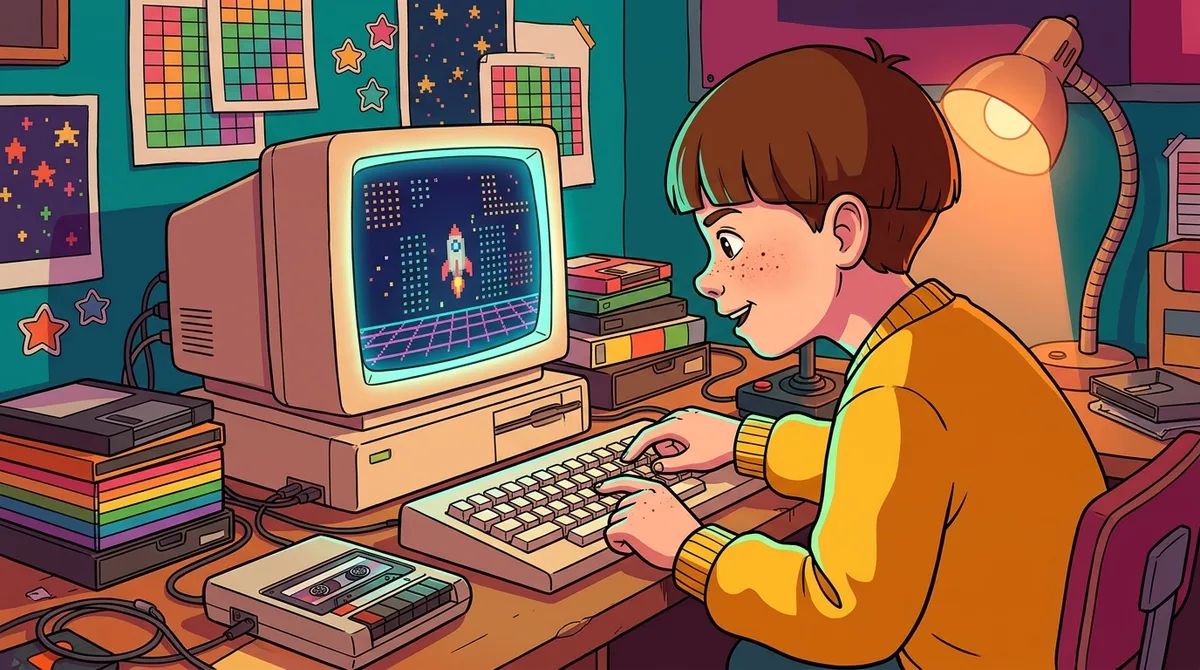
The 1980s brought computer education software that turned the classroom into a mini arcade. Kids defended a spaceship to practice typing or shot meteors to drill their times tables. Schools caught on fast. The National Center for Education Statistics reports that the share of U.S. public schools with computers jumped from 18% in fall 1981 to 96% in fall 1986. That’s a lot of beige boxes in a very short time.
The catch was that there were never enough machines to go around. A 1985 national survey found that about one-third of students had access to school computers, so you often waited your turn like the last copy of a game at the rental shop. Software wasn’t cheap either. A 1984 Apple II software review listed MasterType at about $40 a disk and Meteor Multiplication at about $34, which was serious money for a school budget. Kids didn’t mind, though. Learning felt like playing, and nobody complained about long division when there were laser blasts involved.
The 1980s classroom had a split personality. Computers spread fast, but getting your hands on one was a different story. A 1985 Education Week survey found that about one-third of students and one-fourth of teachers had access to roughly one million school computers. About 24,000 U.S. schools, or one in four, had enough machines to serve between half and one full classroom at once.
So what ended up on the screen? In that same survey, a majority of elementary schools saw drill-and-practice basic-skills tutoring as the best use of computers. Most secondary schools leaned toward computer literacy and programming instead.
The little ones did most of the math work. An Education Week report from 1987 found that 63% of computer use for math instruction happened in grades 5 and below, where drill-and-practice was the most common elementary math activity.
The software dressed up homework as a game. Kids practiced typing by defending a spaceship, drilled multiplication by shooting meteors out of the sky, and learned programming by steering a screen turtle around the display.
Some schools went further. A 1978 Logo pilot at Dallas’s Lamplighter School put 50 computers in the hands of 450 students. Teachers learned the method through two-week summer institutes, followed by workshops during the school year.
The bigger headache was people, not hardware. A teacher with one computer and a room full of kids had to choose between a spelling lesson and a turn at the keyboard, and the keyboard often lost. Machines could also sit unused in a corner while everyone waited for someone to figure out how they worked.
Still, the kids didn’t complain. A round of meteor shooting beat a worksheet any day, and nobody in the back row was checking the clock.
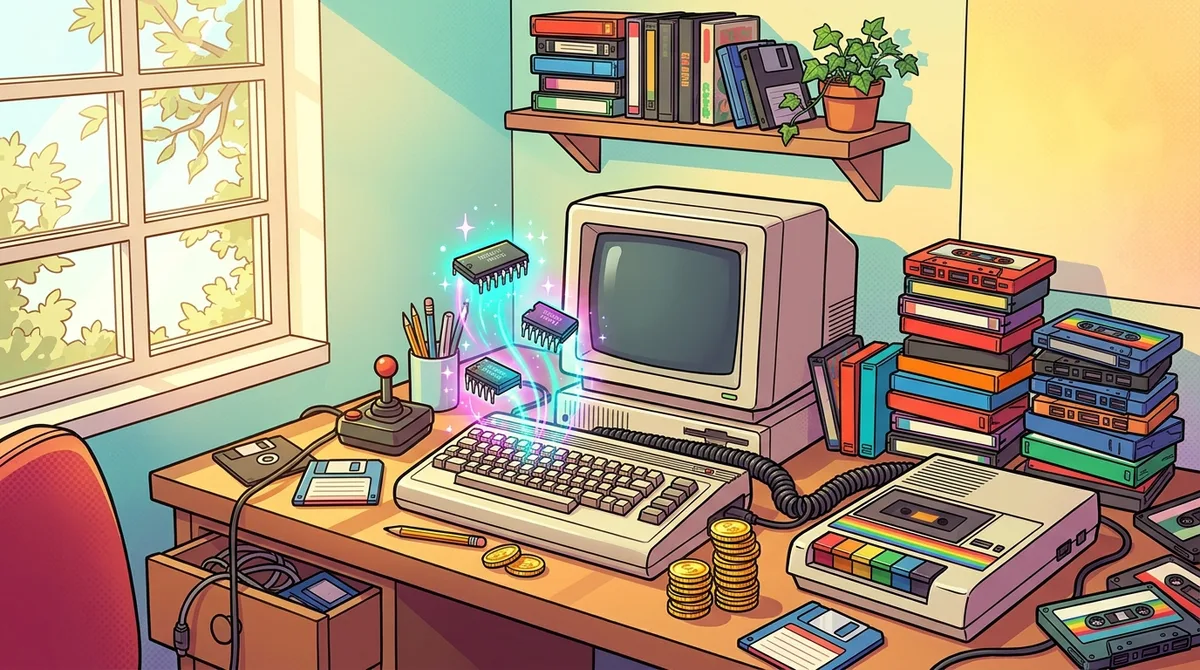
Life at home was a different game. A family computer cost far less than a whole lab full of machines, and it hooked up to the living room TV, so the color graphics and sound made even simple games feel like a big event. Nobody had to sign up for a time slot on the keyboard.
Loading software was another story. Most home programs came on cassette tape, and you sat there listening to the tape hiss and crawl into memory. One bad wiggle of the cable and you started over, which made a missing comma feel like a personal attack.
Memory was tight, too. The base Apple II had 16 KB, and the original IBM PC started at 16 KB as well. A single small phone photo today would not fit on either machine, so every program had to be lean and clever.
Built-in BASIC changed the game. Switch the machine on and you got a blinking prompt, waiting for you to type your own instructions. Plenty of kids copied listings from magazines, made typos, and learned what a bug was the hard way.
Then there were the commands. Many machines relied on cryptic codes and keyboard-driven menus, where one wrong key could bring up a wall of error messages. You had to read the manual, memorize the codes, and try again, usually with a lot of muttering.
Schools faced their own version of this. Educational software was often costly to buy in quantity, so the titles that made it into a classroom were the ones a budget could stretch to cover.
Want to relive the meteor shower without digging through a dusty attic? Start with BBC Rewind’s official Computer Literacy Project archive, which lets you run 166 BBC Micro programs in an emulator. An emulator is software that imitates an old machine, so your laptop can pretend to be a beige classroom legend for an afternoon.
Curious about the language itself? BBC BASIC emulators let you type the same commands kids once typed, without owning any hardware. Pick a short program, type it in carefully, and enjoy the blinking prompt. Typos are part of the authentic experience.
For a trip through the paperwork, the Minnesota Educational Computing Consortium repository has digitally remastered catalogs from 1984, 1986 and 1987. Flipping through them is like reading the TV Guide of classroom software, full of titles promising to make math feel like a game.
Ingenium’s collection takes a closer look at Typing Tutor III, circa 1984 Apple II software that used the game Letter Invaders as a typing drill. The record notes that this particular copy was used in a Canadian home, which is a nice reminder that typing drills didn’t only happen in school.
If you want the real hardware, be ready for a treasure hunt. Original machines and cassette-era software are now vintage collectibles, so condition and working status vary a lot. A tape that loaded perfectly in 1984 may hiss its way to nothing today, so check photos and descriptions carefully and bring plenty of patience.
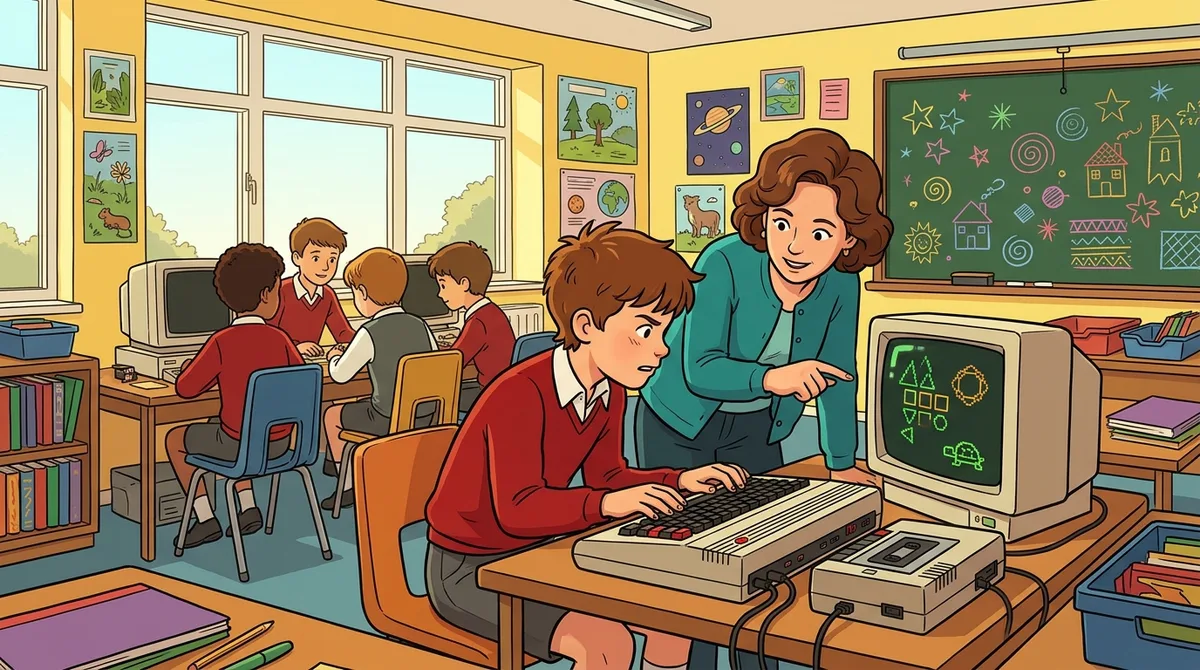
The BBC Micro was an Acorn home computer built for the BBC’s Computer Literacy Project. It was never a single education program. The BBC paired the machine with television programmes, books and courses for schools, colleges and adult learners, so the whole country could get involved.
The BBC Micro was built for hands-on learning. You could learn programming in BBC BASIC, and the machine ran software that demonstrated computing ideas and practical uses. One program showed how databases organize files, records and fields, which turned an abstract idea into something you could click through.
The trade-offs were real. In 1982 the Model A had 16 KB of RAM and cost £299, while the Model B had 32 KB and cost £399. Saving and loading programs on cassette ran at 1,200 baud, with a slower 300-baud mode, so waiting for a program to load was a lesson in patience. The hardware was discontinued in 1994 after more than 1.5 million units had been sold. Today, the BBC Rewind archive lets you run 166 BBC Micro programs in your browser.
At a glance
BASIC is a programming language, not a single software package, and it is much older than the 1980s. Dartmouth College created it in 1964 to make computing accessible to beginners. By the 1980s it came built into machines like the Commodore 64, Apple II, ZX Spectrum, Atari 800XL and IBM PC, so switching on often meant staring at a blinking prompt, waiting for your first instruction.
Learners typed in short programs and ran them, practicing structures such as loops, which repeat instructions, and decisions, which change what happens depending on an answer. A classic first assignment was a simple maths-practice program that quizzed you on sums until you got them right. The BBC Micro took this approach to British children through the BBC Computer Literacy Project, which paired television with books, courses and software. A BBC program first broadcast on January 17, 1983 showed BASIC structures and a simple maths-practice program on screen.
The catch was that machines didn’t always speak the same dialect. A program written for one computer often needed tweaking before it would run on another, which could turn a quick copy-and-paste into an afternoon of detective work. The underlying ideas were similar, though, so once you understood loops and decisions on one machine, you could usually follow them on the next.
At a glance
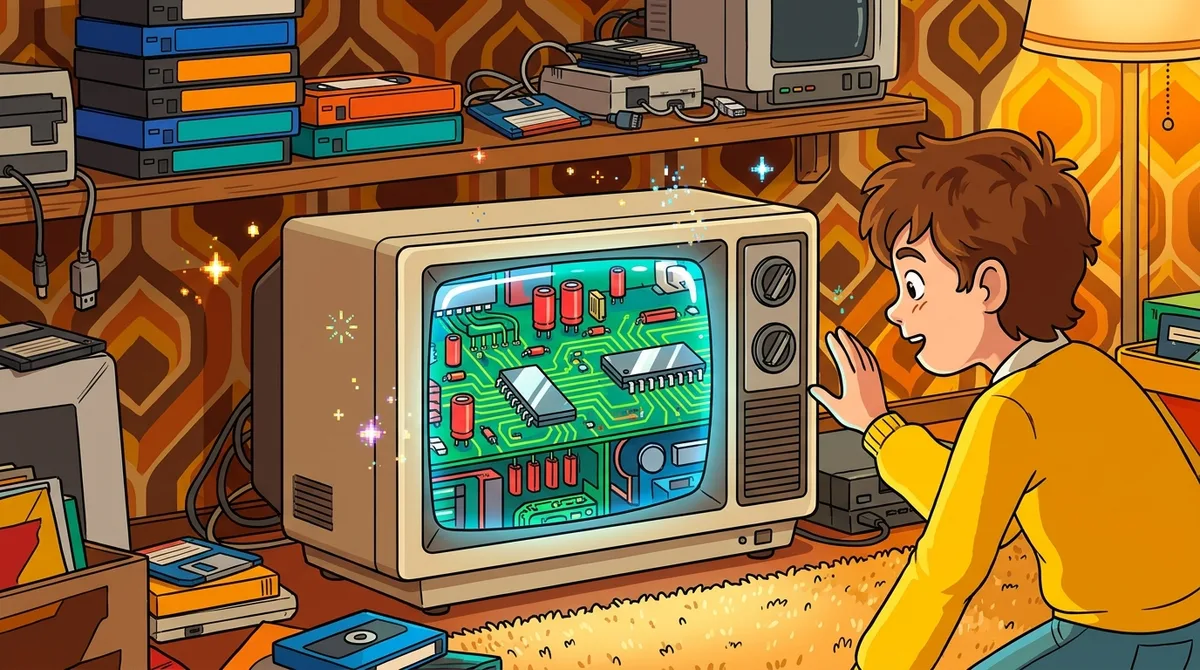
The Computer Programme was a ten-part BBC television series first broadcast on 11 January 1982. Rather than drowning viewers in jargon, it explained computing through real-life examples, showing what computers were used for and how they worked. It was the first series of the BBC’s Computer Literacy Project, which made it a friendly starting point for people who had never touched a keyboard.
The TV show had a hands-on partner. The Computer Programme, Programs 1 cassette for the BBC Micro, contained twelve model programs that introduced beginners to BBC BASIC, with examples of graphics, sorting and decision-making. You could watch an episode, then type in the code and see the idea come alive on screen. The project was aimed especially at adults, but home viewers and schools were welcome too.
The cassettes had their drawbacks. Software ran off tape, so loading could be slow, and a wobbly cable could mean starting over. Typing in code was part of the fun, but one missing comma could stop a program cold. In 1985, BBC Publications listed Programs 1 and Programs 2 at £10 each, supplied on cassette with a booklet.
Today, selected programs can be run in a browser through the BBC Computer Literacy Project archive, so you can try the graphics and sorting demos without hunting down a dusty tape.
At a glance
“Making the Most of the Micro” was not a software package you loaded from a cassette. It was a ten-part BBC television series that first aired on 10 January 1983, and it showed viewers what home microcomputers could actually do. The BBC planned it for people who already owned a microcomputer or were seriously thinking about buying one.
Each episode covered a different skill, from BASIC programming and word processing to graphics, databases, small-business spreadsheets, music, computer control, animation and communications. The BBC Micro was the star of the demonstrations, and the programmes showed real-world and home uses alongside the basic principles. The series didn’t dodge the awkward parts either. It explained loading and saving, and it was upfront about what databases could and could not do on a micro.
The drawback was that a TV show can’t wait for you to catch up. If you didn’t own a machine yet, you could only watch, and if you missed a broadcast, you had to hunt for the next chance to see it. Today you can explore the series and related programmes through the BBC Computer Literacy Project archive, which includes a browser-based BBC Micro emulator for running the demonstrations.
At a glance
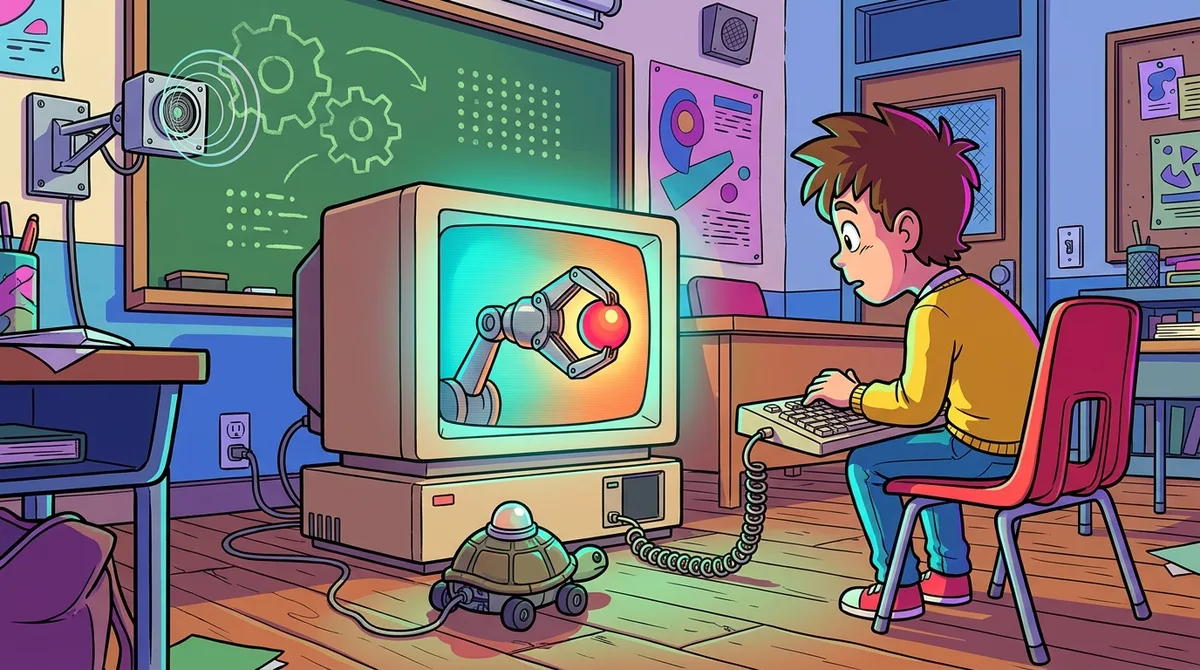
Computers in Control was a five-part BBC television series that first aired on 2 March 1984. It wasn’t a program you bought off a shelf. It came with BBC Micro demonstrations and programs, so you could watch a robot in action and then try the ideas on your own machine.
Across the five episodes, viewers explored robotics, sensing, programming and computer control through real-world examples. The series mixed practical demonstrations with hands-on coding, and a BBC robot buggy was marketed to do-it-yourself enthusiasts. In the episode “Making Things Move,” a BBC Micro program showed how switching a stepper motor’s coils makes the motor turn.
Not everything worked from the living room, though. Some demonstrations needed external measuring devices, because sensor readings can’t change on screen without the right gadget attached. Today you can run some of the associated BBC Micro programs in a browser, and the official site has the current details.
At a glance
The Apple II arrived in 1977 and became one of the go-to platforms for 1980s educational programs. Its built-in BASIC meant you could switch it on, see a blinking prompt, and start writing your own programs. Plenty of curious kids did exactly that, usually after copying a listing from a magazine and fixing a typo or three.
Schools and special education were a big part of its story. Apple’s Education Foundation promoted educational software for the Apple II and Apple II Plus for special education, museums and grades K-12. Students could practice school subjects through drill exercises that turned lessons into something closer to a game.
The software went well beyond flashcards. In 1982, MECC offered Apple II courseware covering kindergarten, geometry, language arts, nutrition, art and parts of speech. A year later its catalog added an electronic spreadsheet and word processing, so the same machine could handle homework and office work.
The price of all this was memory. The base Apple II had just 16 KB, and programs were stored on cassette tape, so loading a lesson could mean listening to the tape hiss its way into the machine. Production ran until the Apple II was retired in 1993, but you can still run it today. AppleWin is a currently available Windows emulator that supports the original Apple II, Apple II Plus and Apple IIe.
At a glance
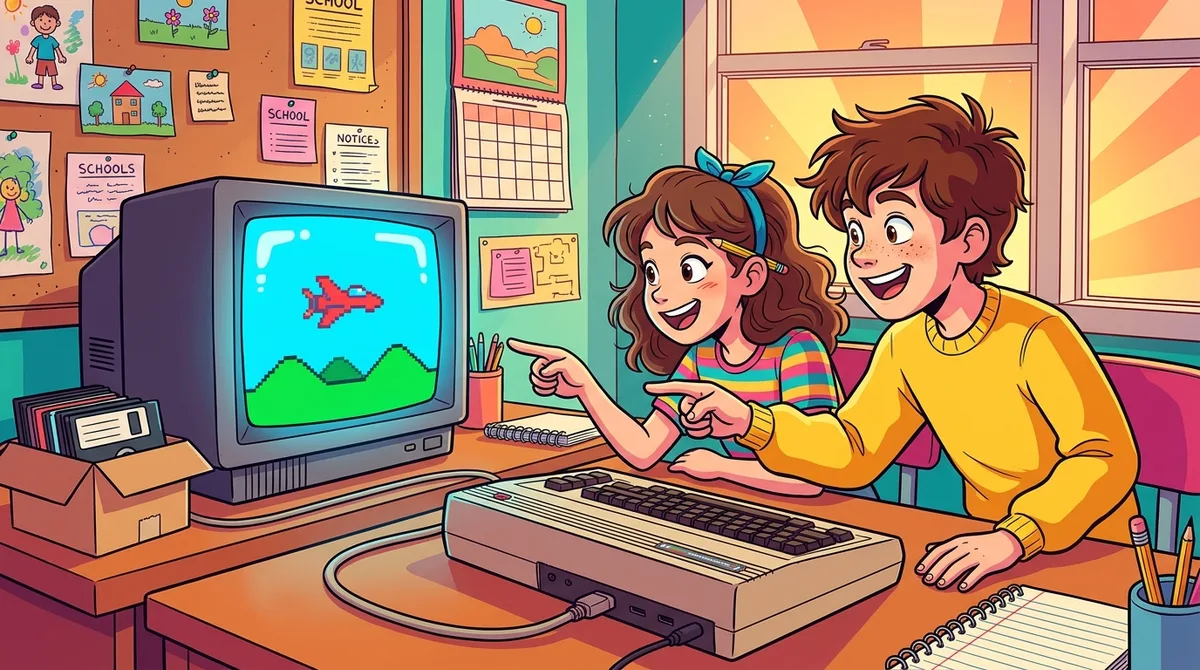
The Commodore 64 hit the market in 1982 and quickly became a home computer favorite. Under the hood sat a 6510 processor, 64 KB of RAM and built-in BASIC, so you could switch it on and start typing your own instructions. Commodore pitched it for home, business and education use, with word processors, spreadsheets, databases and plenty of games on offer.
Price helped it reach so many living rooms. The manufacturer’s suggested retail price on July 1, 1982, was $595, before you paid for disk drives or printers. It plugged into a standard television, so you didn’t need a special monitor, and the color graphics and sound made even simple games feel like an event. Educators could also reuse many Commodore PET programs, because the two machines shared the same BASIC.
Life with a C64 had its frustrations. Only 39 KB of the 64 KB was available for BASIC programs, which left little room for big ideas. Cassette software was slow, and the C64C manual warns that many programs can take several minutes to load, so you typed a LOAD command and waited with your fingers crossed.
At a glance
The ZX Spectrum was an affordable British 8-bit home computer that pumped colour graphics and sound through the family TV. When Sinclair Research’s October 1982 fact sheet listed launch prices, the 16K model cost £125 and the 48K model cost £175, both including VAT. That was pocket-money territory for a lot of households.
Every Spectrum shipped with Sinclair BASIC built in, so you switched on and started typing. The original BASIC manual walked through decisions, loops, subroutines, arrays, graphics, sound and cassette storage. Separate titles added more learning. Logic 3’s Learn BASIC Programming came on cassette with a book and was listed for the 48K machine. Sinclair also promised schools a free printer and the LOGO language with qualifying orders in 1982.
The fun had a price. A museum record notes that loading a program from the usual cassette recorder could take 10 minutes, and BASIC commands were entered using key combinations, so one wrong press could derail a whole listing. Today the hardware is discontinued, but manuals and software survive in online archives.
At a glance
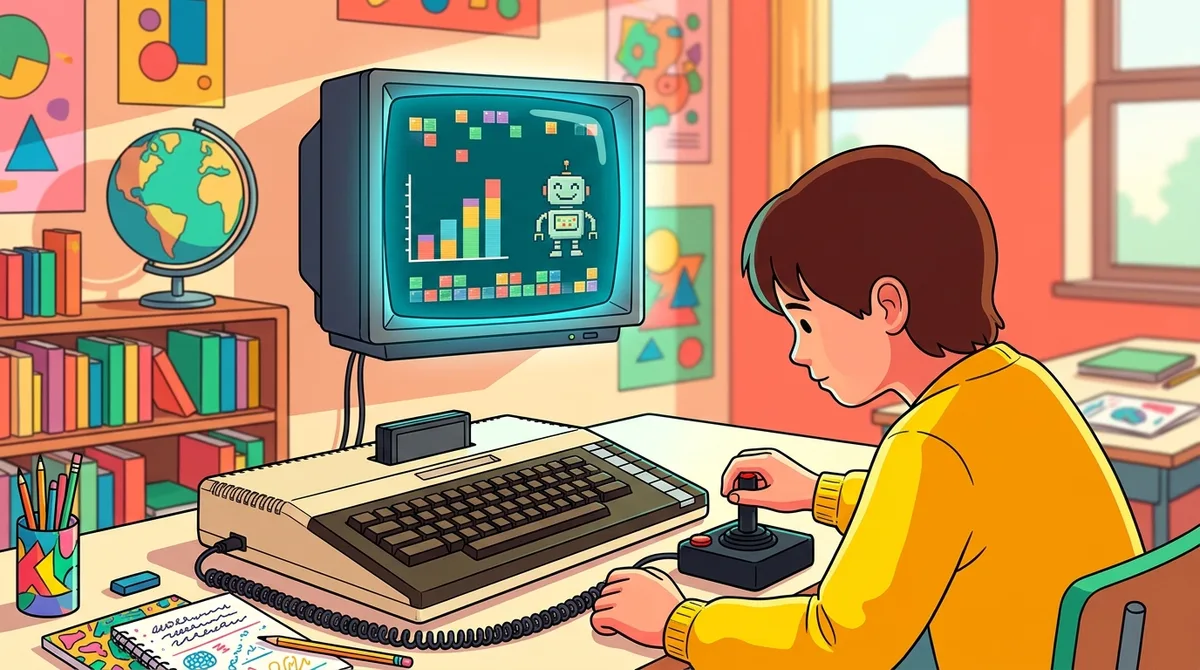
Atari’s 800XL arrived in 1983 as a general-purpose home computer with 64 KB of memory and Atari BASIC built in. You didn’t need to buy a separate BASIC cartridge, so you could switch it on and start writing your own programs. Plenty of curious kids did exactly that, one blinking cursor at a time.
Educational software was a separate purchase. An October 1984 Antic review tested learning programs on the machine, and the titles aimed at different ages. Moptown Parade was for ages 6 to 10, while Moptown Hotel was for ages 8 to 13. Learners could practice matching, pattern analysis, problem solving, spelling, math and logic, so the same keyboard could be a spelling bee one hour and a logic puzzle the next.
The 800XL had a full keyboard, color graphics and sound, a 6502C processor, and a cartridge slot for software. It also had its limits. Tape or disk use required a cassette recorder or disk drive as extra hardware, so you had to plan for more gear than the computer alone.
Today the original is a vintage model, but Atari’s official site currently lists pre-orders for a modern 800XL recreation at $219.99, with shipping expected in late April 2027.
At a glance
When IBM introduced the 5150 Personal Computer in August 1981, it was pitched at consumers and small businesses rather than classrooms. Its built-in Cassette BASIC let you type in your own programs, and a minimum cassette setup left about 12 KB free for them.
You could also do plenty besides programming. IBM’s launch account names VisiCalc for spreadsheets and EasyWriter for word processing, and the machine could play games too. One afternoon you might balance a household budget, and the next you could blast your way through a game.
The open design is what gave the 5150 its lasting influence. IBM published enough technical detail that other companies could write compatible software and build compatible add-ons. That opened the door for educational programs to be developed for the platform, and the approach helped shape the PC standard that followed.
The price and the memory were the catch. At the August 12, 1981 unveiling, the base machine cost $1,565 with 16 KB of RAM and no disk drive, and adding a display, two diskette drives and a printer cost nearly $3,000 more. Today the 5150 is discontinued, but it lives on as a vintage machine, and The Henry Ford holds a 1984 example in its collection.
At a glance
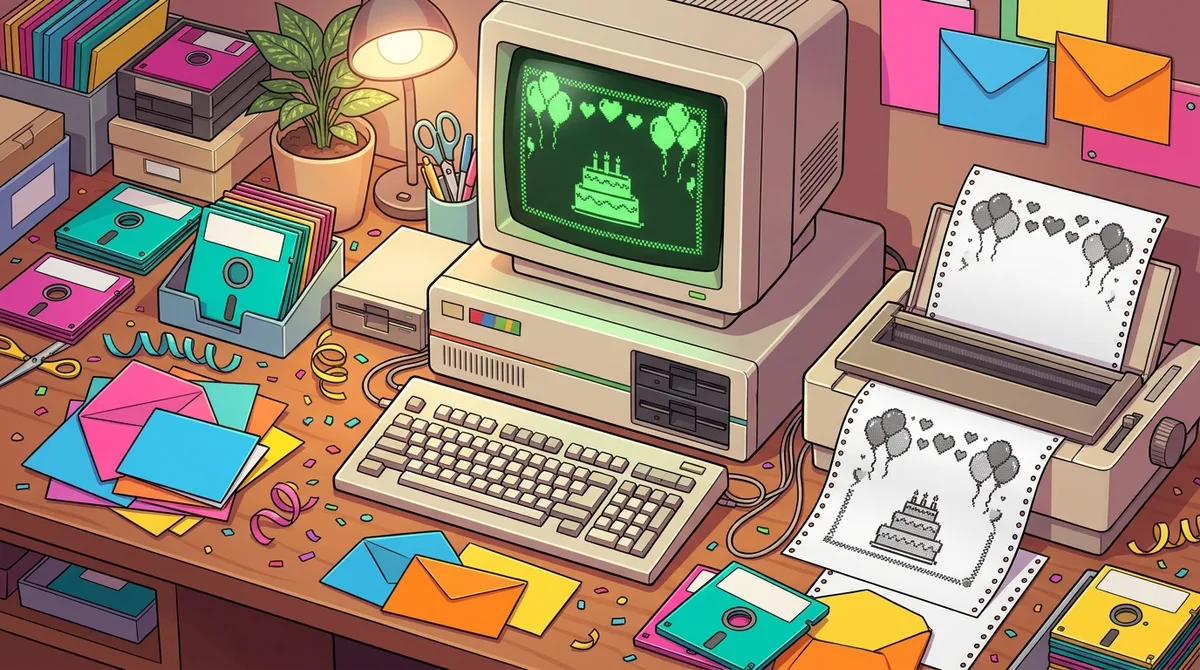
The Print Shop arrived in 1984 as desktop-publishing software for the Apple II, and it had nothing to do with typing drills or times tables. Instead of teaching a skill, it let you make greeting cards, signs, banners, stationery and invitations. You could design a birthday card for your nephew in the same afternoon you made a sign for the lemonade stand.
The program walked you through choosing text, graphics and layouts one menu at a time. The original manual says you could move through the menus with the keyboard, a joystick or a Koala Pad, and that you didn’t need any knowledge of computer graphics or programming. Families printed cards at home, teachers used it in classrooms, and small businesses made flyers and stationery with it.
The catch was the gear. You needed a disk drive, a monitor, a printer with a printer interface, and pin-feed paper, and the software ran on an Apple II Plus or IIe with at least 48K of memory. A June 1984 COMPUTE! report listed the package at $49.95 and said it included pin-feed paper and matching envelopes. A jammed sheet or a fiddly printer setup could eat up an entire evening, so patience came with the box.
Today, The Print Shop sells Print Shop 9 as an instant download for Windows 10 and 11, while the original Apple II edition is a legacy release.
At a glance
WordStar was a commercial WordStar word processor, which meant people paid for it to write, edit, format and print documents. Its big trick was bringing margins and automatic word wrap to microcomputers, so your sentences moved to the next line without you hitting Enter. You could also insert, delete, move and copy text, all from the keyboard.
WordStar dates to 1978 and first ran on CP/M, according to the Computer History Museum, before it was later ported to DOS and Windows. It was built for personal-computer users, including nontechnical users and businesses, so it wasn’t tied to any age group or school curriculum. Anyone with a writing job, from a small office to a home desk, could sit down and get to work.
The learning curve was steep. A 1984 review in The Christian Science Monitor noted that WordStar had dozens of commands with few mnemonics, so they were hard to remember. On-screen menus helped prompt and tutor new owners, and once you learned the control-key shortcuts, editing could be lightning fast.
The price was steep too. A September 1979 BYTE magazine price list showed MicroPro selling the software for $495, plus $40 for the manual.
At a glance
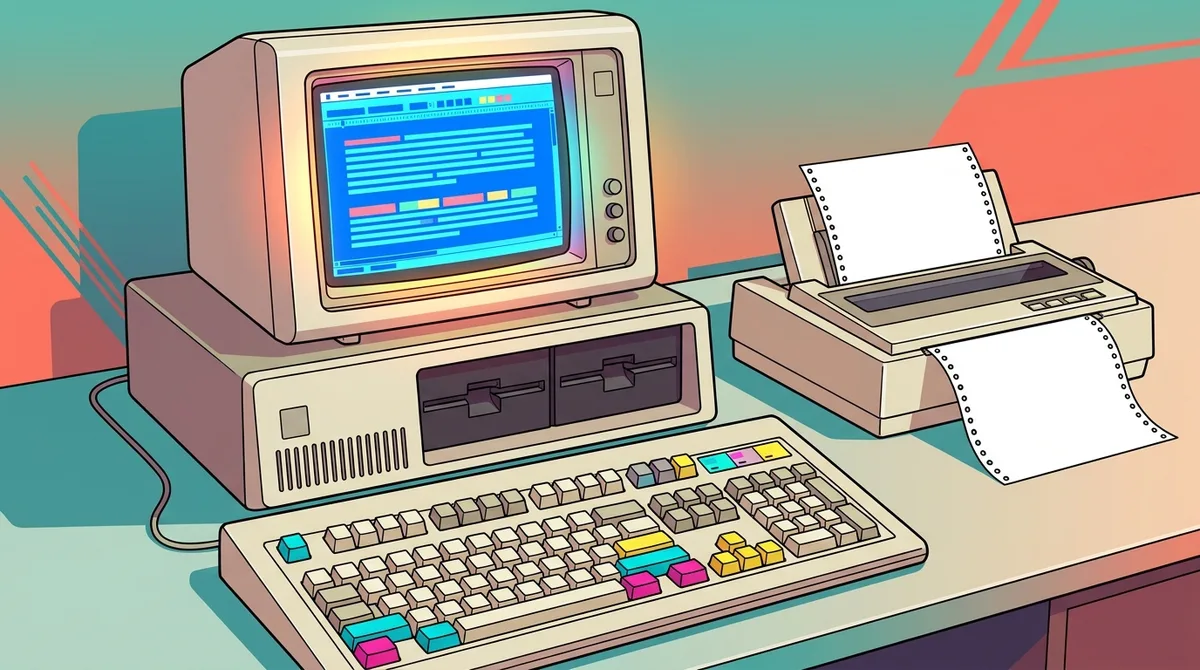
WordPerfect was never a typing course. It was a word processor for writing and formatting documents, and it was designed to show text with page breaks and line endings like a printed page, as the Smithsonian’s record of WordPerfect 4.1 explains. It debuted as SSI-WP in March 1980 and took the WordPerfect name when it moved to MS-DOS in 1982.
The DOS-era version ran on keyboard commands, with function keys that did the heavy lifting. A plastic key overlay sat over the keyboard to show what each key did, which made it the ultimate cheat sheet. A 1985 Los Angeles Times review noted on-screen command help and macros that could automate whole sequences of commands. WordPerfect 4.1 also added a built-in thesaurus, split-screen viewing of two documents, text columns and sorting for lines or paragraphs.
Its audience was business and document users, not a school-age group. The 1985 package cost $495 and came with an installation guide and a user manual in a binder, so it was a serious investment. Learning all those key combinations took patience, but once you had them memorized, your letters and reports came out looking polished.
The classic DOS editions are historical now, but WordPerfect lives on. The official WordPerfect site lists WordPerfect Office editions for individuals, businesses and education customers.
At a glance
VisiCalc was a spreadsheet, not a typing drill or a programming course. You entered labels, numbers and formulas into a grid of rows and columns, and the program did the arithmetic for you. People used it to build budgets, forecasts and other financial models, and the Smithsonian’s National Museum of American History describes it as an early personal-computer spreadsheet built on exactly that idea.
It was made for business and planning, not for kids or classrooms. Its standout trick was recalculation. Change one number, such as the price of a product or the rent in a budget, and every linked figure updated instantly. That made “what if?” planning practical on a desk-sized machine, which was a big deal when most businesses still did the sums on paper.
VisiCalc launched on the Apple II in October 1979 for about $100, according to a PBS history transcript. Its early Apple II version was a memory hog, needing 32 kilobytes when the base machine had only 16, so you had to upgrade before you could run it. Even so, it was so useful that people bought Apple IIs just to run it.
At a glance
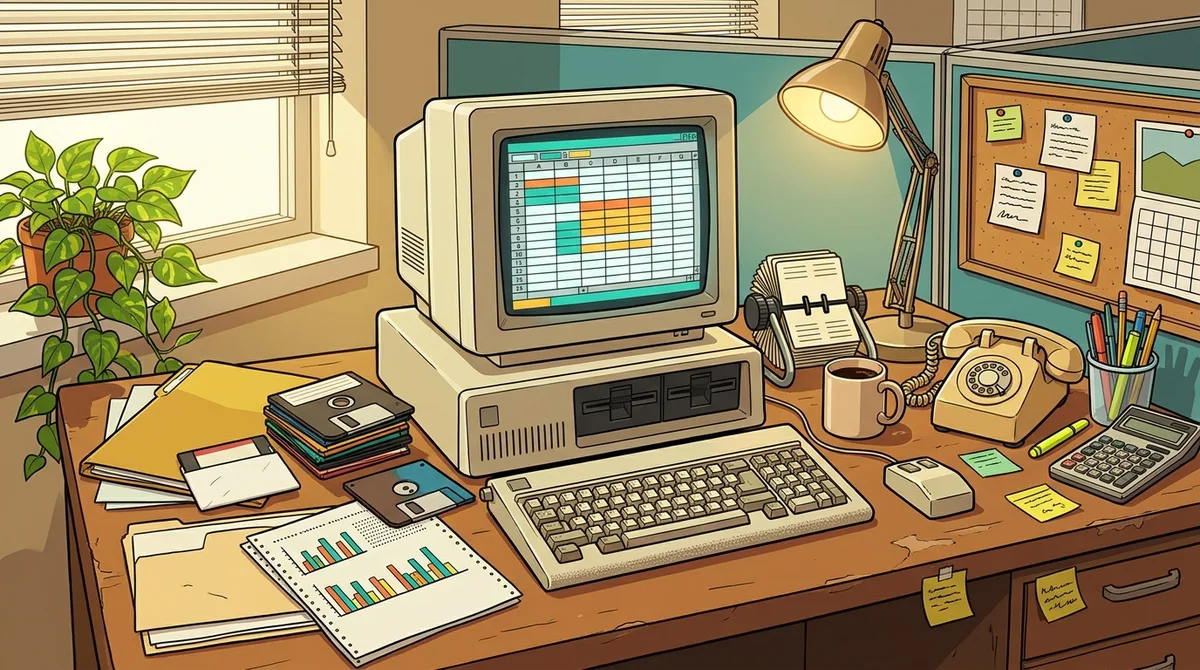
Lotus 1-2-3 wasn’t a school program at all. It was business spreadsheet software, and it was described as the killer app for IBM PCs. You typed numbers and formulas into a worksheet, then sorted, analyzed and graphed the data, all inside one program. Its macros could automate repetitive keystrokes, and according to InfoWorld, they could also include branching, prompted input, loops and subroutines.
It wasn’t only for office workers. A 1983 review described it as suitable for professionals who needed a sophisticated spreadsheet and for individuals using it personally, and it pointed to the interactive tutorials and help built into the program. The first DOS version went on sale January 26, 1983, for $495, which was a serious chunk of change for a home desk.
Life with it had its quirks. The original PC version came on floppy disks, and Personal Computer World noted that available RAM could not hold data in every cell, so a large worksheet was constrained in practice.
In 2013, IBM’s withdrawal announcement listed Lotus 1-2-3 Millennium Edition among products withdrawn from marketing, with no replacement named. Today it’s a piece of spreadsheet history.
At a glance
Ready to trade the beige box for a neon-soaked wardrobe? Start by picking a graphic that matches your favorite era. Standard unisex graphic tees are listed at $27.00 and often on sale at $22.95, while some tees are listed at $11.99 and sell for $10.19 on sale.
Next, choose your fabric. Our standard unisex tees are 100% Airlume combed and ringspun cotton, a light 4.2 oz/yd² fabric with a retail fit. If you want an all-over print instead, the Blue Rays AOP tee is 100% polyester with a regular fit, available in 4.0 oz and 6.0 oz weights. Both run true to size, but check the size chart on each product page before you buy.
After you order, a confirmation email lands in your inbox. If you need a change, contact customer service within a short window, because changes may not be possible once your order is processed. Returns are accepted within 30 days of receipt for most items in new condition. Custom orders take longer to ship, and shipping times vary by destination, so plan ahead for birthdays and gaming nights.
Want to finish the look? Keep an eye on our newsletter for special offers and new arrivals, or reach out through our Contact Us page with any sizing or shipping questions.