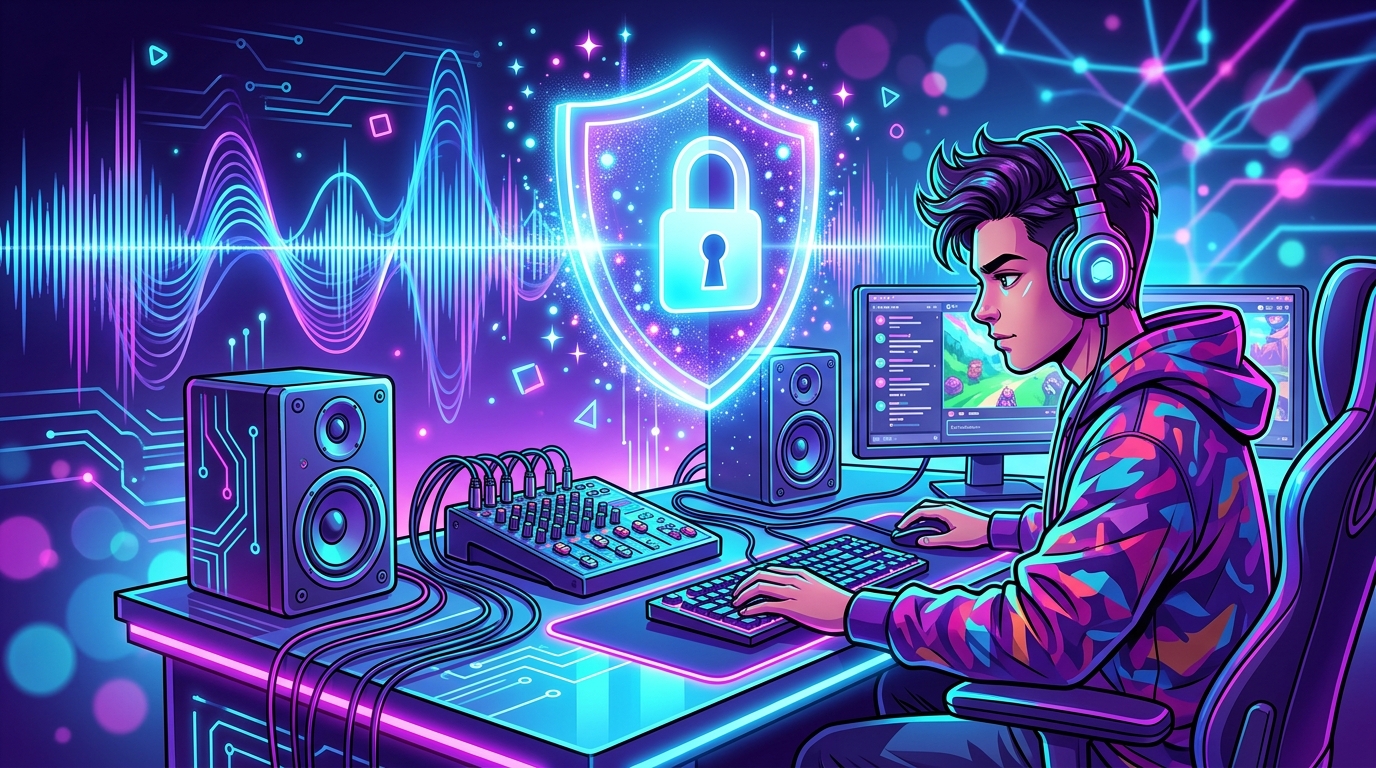
Your stream is glowing, the chat is popping, and suddenly a copyright warning drops like a surprise boss fight. Streamer music licensing matters because a consumer music subscription, purchased download, or casual “sure, use my song” message may not cover public livestreaming. The right soundtrack can power your neon arcade dream without sending your channel into legal boss-battle mode.
The tricky part is that most commercial songs involve two separate rights: the composition and the specific recording. Different people or organizations may control each one, so permission from the artist alone may not be enough. Understanding what you can play, what you need to license, and what platform rules apply helps keep your stream fun, safe, and gloriously free of the dreaded mute button.
Streamer music licensing matters because pressing play on your favorite banger is not the same as getting permission to broadcast it. A personal music subscription, purchased download, or friendly message from an artist may not cover livestreams, clips, or archived videos on your streaming and video platforms. Commercial songs can involve separate rights for the composition and the specific recording, so one green light may not unlock the whole neon arcade cabinet. If the right permission is missing, you could face muted audio, removed videos, takedowns, or a copyright robot appearing like the final boss.
The safer move is to choose background music made for streaming or covered by a license that clearly allows livestreams, recordings, and the platforms you use. Check whether the license covers monetization, clips, VODs, and your country, then keep the receipt or terms handy in case the algorithm gets dramatic. Look for music catalogs with clear streamer permissions, platform guidance, and simple rules you can actually follow without needing a law degree and a crystal ball. Policies and rights can change, so verify the current terms before you hit “Go Live” and turn your setup into a synthwave command center.
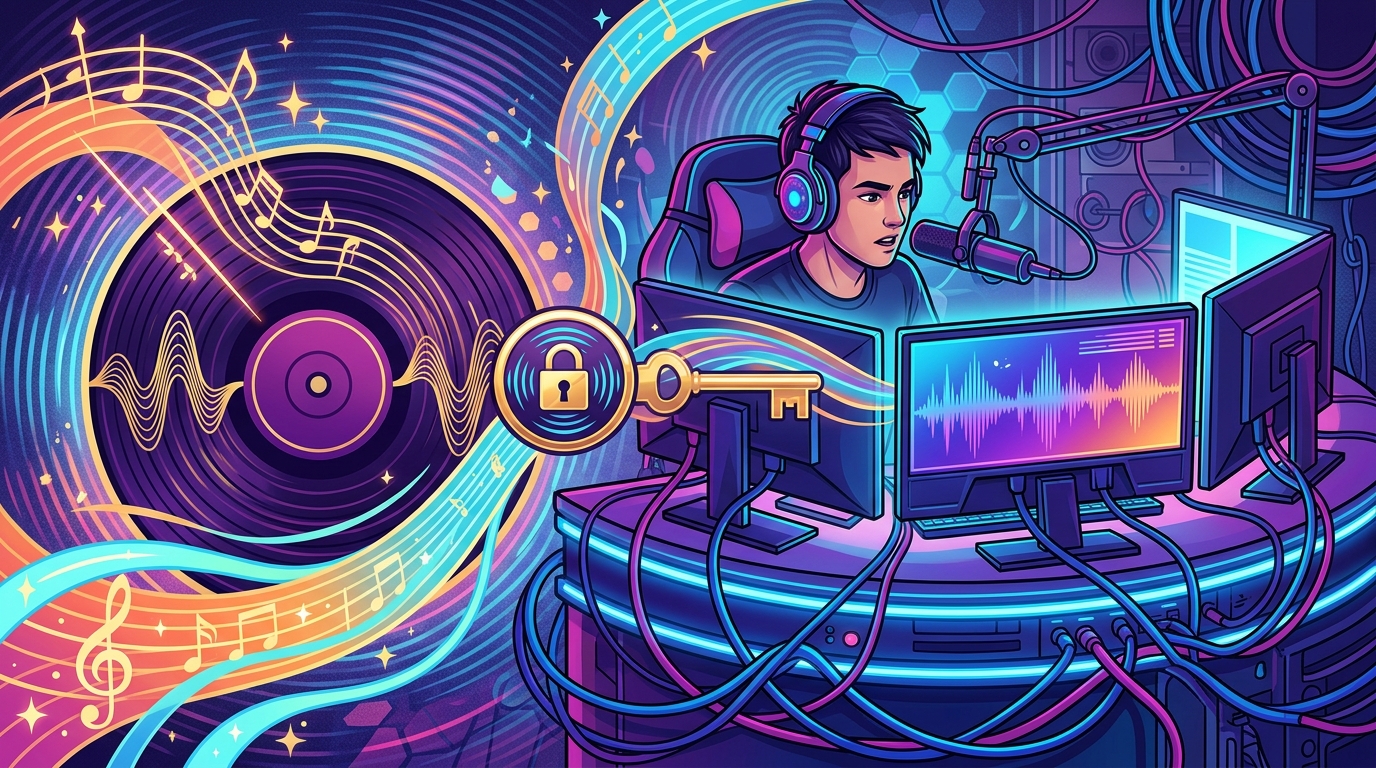
Most songs come with two separate copyrights, like a neon arcade cabinet with two players at the controls. The musical composition covers the melody, lyrics, and arrangement, while the sound recording covers the particular recorded performance you hear. A songwriter or publisher may control the composition, while an artist, label, or other owner may control the recording. To use a commercial track in a livestream, VOD, clip, or repost, you may need permission for both sides.
A personal music subscription or purchased download usually lets you enjoy the song personally, not broadcast it to an audience while you speed-run through chaos. It generally does not grant the rights to livestream the track, pair it with video, store it in a VOD, or repost clips across platforms. A casual message from the artist saying “sure, go for it” may also fall short if someone else controls the composition or recording. The permission should clearly cover your intended uses, platforms, monetization, territory, and how long the license lasts, preferably in writing before the synthwave starts blasting.
Streamer music licensing is designed to solve this rights puzzle with one practical permission set for creator use. Look for a license that specifically allows live broadcasts, archived videos, clips, highlights, and reposts on the platforms you use. Check whether it covers monetized content and whether you must credit the artist or follow any playlist rules. With the right coverage, you can keep the soundtrack pumping without summoning the copyright robot from its smoky 1980s lair.
Streaming and video platforms scan streams for copyrighted music, but they do not handle every glitch in the same way. A platform may automatically mute parts of a saved VOD or remove clips when its systems detect protected audio, turning your epic synthwave finale into silent cinema. It may also place a copyright claim on a live replay or upload, which can redirect revenue, track views, mute sections, or block the video. An audio warning is not a magic shield, so treat it as a dashboard alert, not a license from the copyright gods.
Platforms can also respond to a formal DMCA notice, which is more serious than an automated flag. A valid notice may lead to removed content, account restrictions, or a copyright strike, and repeated strikes can put your channel or streaming privileges at risk. In other words, no platform gives ordinary streamers a blanket license for every chart hit in the neon galaxy. A consumer music subscription, purchased download, or casual permission from an artist usually does not cover public livestreaming, because a song can involve separate rights for the composition and the specific recording.
The safest route is to use music clearly licensed for livestreams, uploads, and monetized content on the platforms you use. Before pressing “Go Live,” check whether the license covers each platform, commercial use, archived videos, clips, and your audience’s region. Keep proof of the license handy, because even properly cleared music can sometimes trigger an automated robot having a very 1980s meltdown. Choosing a streamer-focused catalog or another properly documented license helps keep your background beats playing while your VODs stay out of the copyright danger zone.
Streamer-focused music catalogs are often the easiest way to add neon-soaked beats without summoning the copyright robot. Look for catalogs that clearly grant permission for livestreams, recordings, clips, and monetized content across the platforms you use. Platform-approved libraries can also be a practical choice, especially when their terms explain how music is handled in live broadcasts and saved videos. A creator subscription may cover these uses, but do not assume a monthly payment unlocks every track, channel, or platform. Consumer music subscriptions and purchased downloads usually provide listening rights, not permission to broadcast music on your stream.
Before subscribing, check the license terms like you are inspecting a suspicious power-up in an old-school arcade game. Confirm whether the license covers livestreams, VODs, clips, ads, sponsorships, and other commercial uses, then check if it applies in your country and to viewers in other territories. Also see whether your license stays active after cancellation, whether certain artists or tracks have extra rules, and whether you must add attribution to your description or stream panels. A “royalty-free” label does not automatically mean “use it anywhere,” so read the actual permission list before the synthwave starts.
Direct licenses can work when you want a specific song or artist, but get the permission in writing and make sure it covers both the musical composition and the particular recording. The agreement should name the platforms, allow monetization, include live broadcasts and VODs, and explain how claims or takedowns will be handled. Save invoices, license certificates, emails, and screenshots of the terms in one folder, because future-you deserves less paperwork boss-battle energy. When the wording is clear and the coverage matches your channel, you can focus on gameplay, chat, and glorious pixel-powered victory.
Streamer music licensing needs to cover the whole content afterlife, not just the live broadcast. A track that sounds fine during your stream can trigger a muted VOD, blocked short-form video, or copyright claim when your best boss-battle moment gets clipped and reposted. Consumer music subscriptions and purchased downloads usually do not grant permission for public or commercial streaming, even if your playlist is more glorious than an ’80s arcade soundtrack. Choose a catalog with clear permission for livestreams, VODs, clips, highlights, and the platforms where you publish.
Before you press that big neon “Go Live” button, keep your paperwork ready and check the catalog rules for each track. Your streamer music licensing records should show what you licensed, when you licensed it, which channels or platforms are covered, and whether monetization or reposting is allowed. A quick pre-stream checklist can save you from fighting the copyright robot later:
When a claim appears, do not panic like a villain just pulled the plug on the arcade. First identify the track and the affected video, then mute, replace, or remove the music if your license does not cover that use. If your permission does cover the VOD or clip, follow the platform’s dispute process and provide the saved records, while keeping copies of every message and decision. The goal is simple: let your content travel from livestream to highlight reel without losing its soundtrack, its monetization, or its last remaining shred of synthwave dignity.
The safest approach to streamer music licensing is choosing tracks with clear permission for livestreams, recorded videos, and the platforms you use. A regular music subscription, purchased download, or friendly message from an artist may not cover public broadcasts or commercial content. Read the actual license, including rules about monetization, archives, clips, territories, attribution, and platform use, instead of trusting a flashy “copyright free” label. If the wording feels like an ancient spell from a neon arcade cabinet, pause and get clarification before pressing play. Clear terms today can help you avoid muted videos, takedowns, and a copyright robot with no sense of humor.
Keep proof of your rights in one easy-to-find folder, including the license, receipt, permission emails, track details, and any required credit text. Save a copy of the terms you agreed to, since catalog rules and platform policies can change after your stream goes live. Before using a song, confirm that the permission covers both the music itself and the specific recording, especially when a track includes samples or multiple rights holders. A few minutes of paperwork is far better than scrambling through old messages while your chat watches the legal boss music start. Your synthwave soundtrack should create boss-battle energy, not unlock the final boss named DMCA.
Streamer music licensing helps you keep the soundtrack pumping without summoning the copyright robot. A personal music subscription, purchased download, or casual artist permission usually does not cover public livestreams, monetized videos, VODs, or clips. Look for a license that clearly allows use on your platforms, covers both the song and the specific recording, and explains whether monetization, ads, territories, and archived content are included. Save your license, receipts, and permission details so you have proof if a neon warning screen suddenly appears.
Before you press “Go Live,” check the rules for each platform and catalog because permissions can vary and policies may change. Choose music made for creators or obtain written clearance instead of hoping your favorite banger slips past the digital security guards. Ready to turn your channel into a copyright-safe arcade? Explore our guide to the best music licensing services for creators and filmmakers in 2026 to discover options that can help keep your streams sounding great and your takedown notices stuck in the past.